8.2 Setup Functions
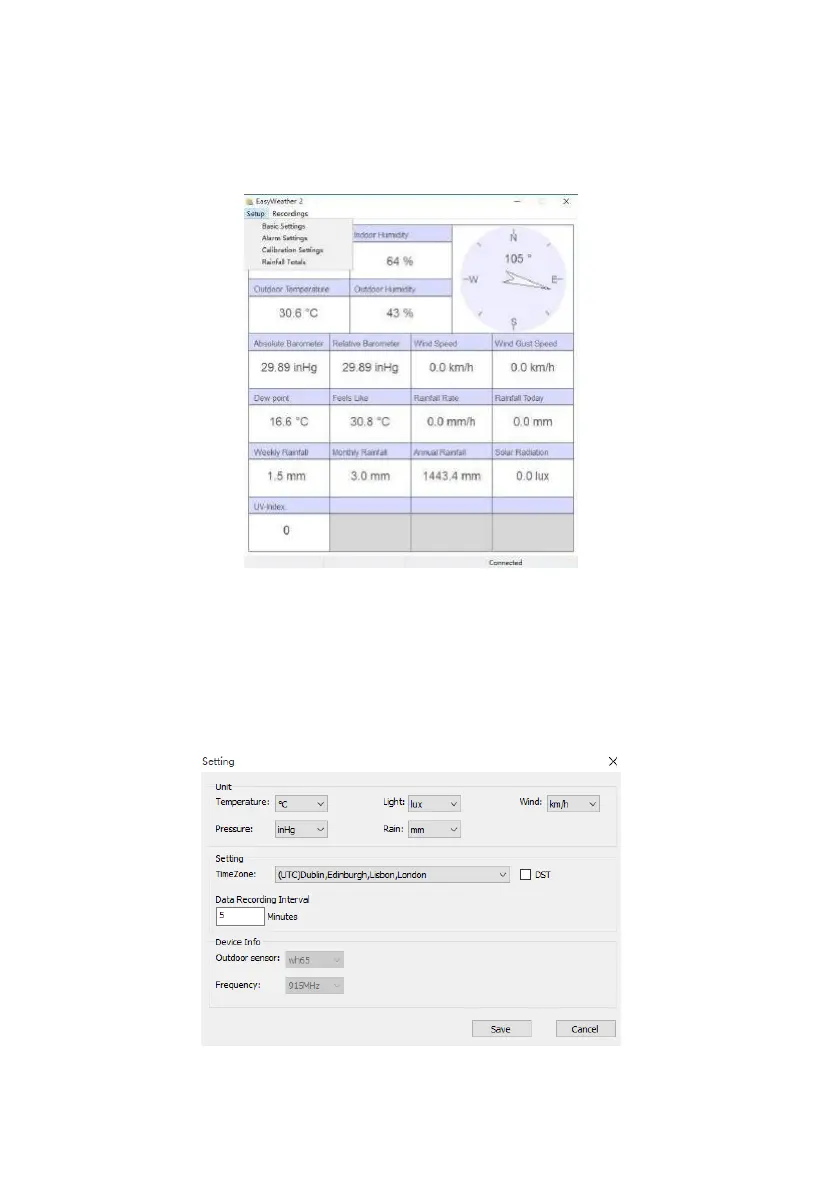
Setup functions are reached via the “Setup” menu. Each of the different setup
categories will be discussed in the next sections.
Figure: Setup menu
8.2.1 Basic Settings
Basic settings can be used to change display units, time zone and daylight
savings time handling, and data logger interval.
Figure: Basic Settings screen



 To Next Page