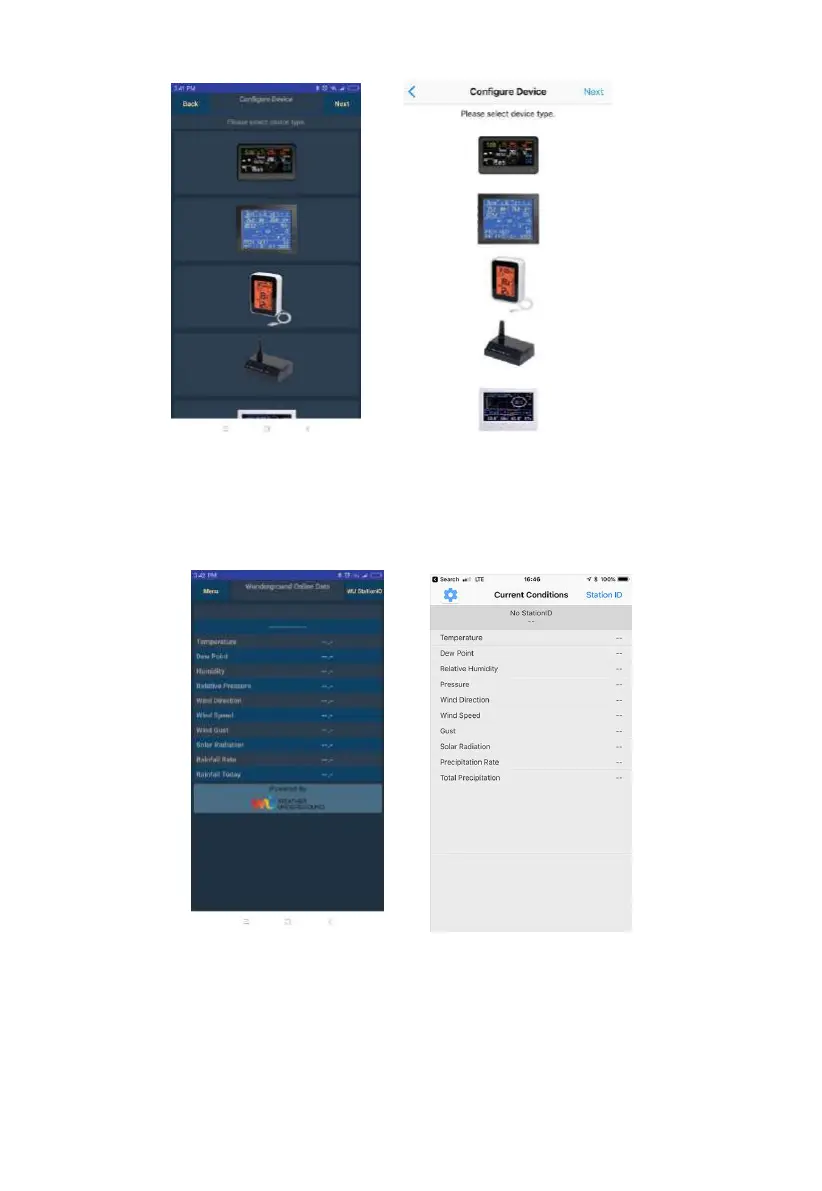
Note: When you open the application for the first time, you’ll enter the
Configure Device page. If you don’t want to configure now, click Back to
return to the main screen.
Figure: Mobile application – Main screen (Android & iOS)
The main screen will display no data (because the Wi-Fi configuration isn’t
done). At this point, if you have not already done so, you can register on
wunderground.com and create your PWS by pressing on the Menu/settings


 To Next Page