3 - 4 AG45134 Rev. 3
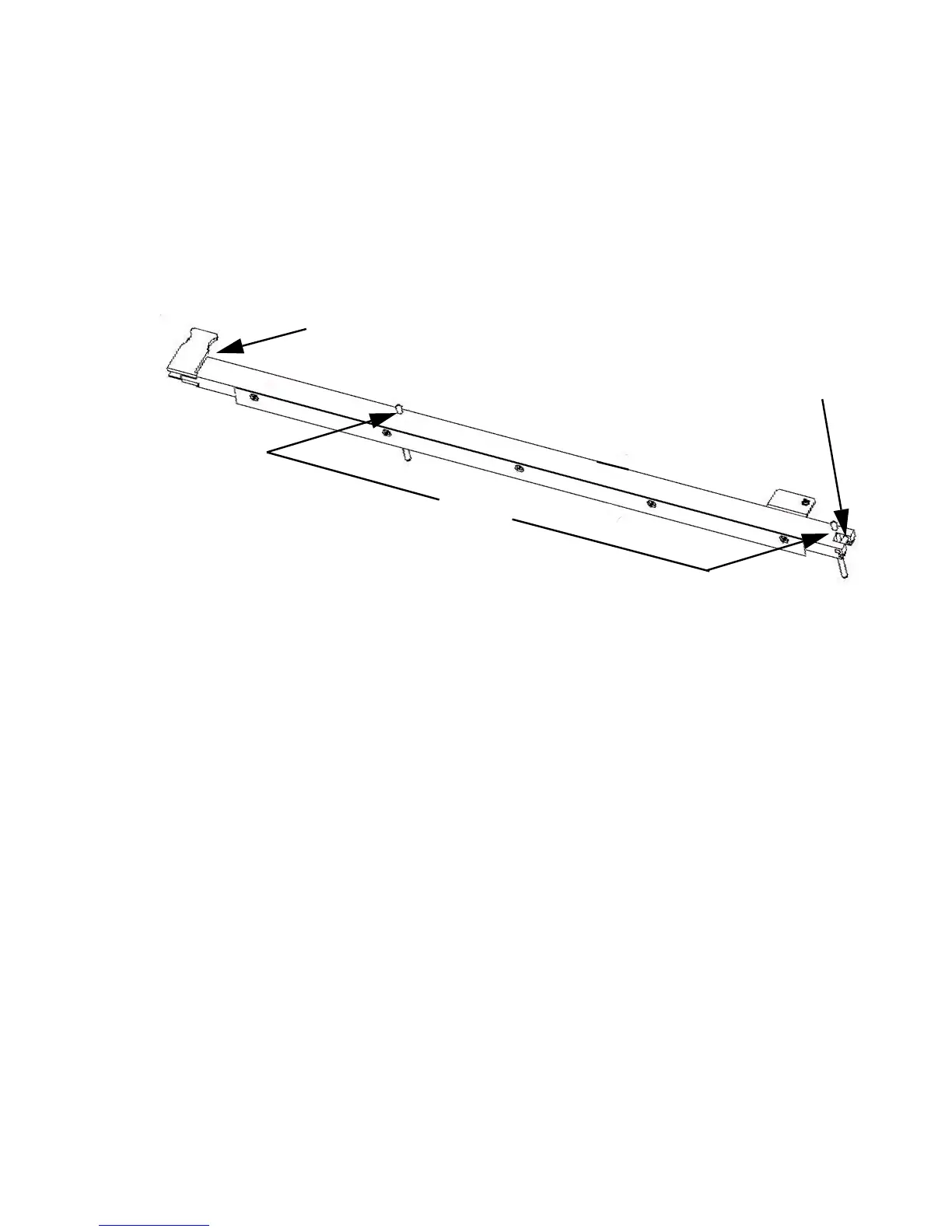
Figure 3-3 shows the main parts of the pin bar. The alignment pin
helps keep the pin bar in proper alignment with the rest of the media
handling system. The latch at the other end of the pin bar locks the
bar in place in the channel.
Figure 3-3 Pin Bar
Installing a Pin Bar
Step 1. If necessary, remove the existing pin bar as explained in
Removing a Pin Bar on page 6.
Step 2. Hold the new pin bar with the latch end in your left hand and the
alignment pin end in your right hand
Step 3. Look for the small hook at the front of the channel (see figure
below).
ALIGNMENT PIN
REGISTRATION PINS
LATCH



 To Next Page