AG45134 Rev. 3 4 - 5
the cloth, being careful to not catch the cloth in the rollers. Do
not touch the rollers with bare hands. The oils and dirt will con-
taminate the rollers.
Cleaning the Pinch Roller
Step 7. Wipe gum-contaminated pinch roller o-rings with a water-damp-
ened low-lint cloth.
Step 8. If water fails to remove the gum, use ECRM PH0046 roller
cleaner. (Do NOT use alcohol or a general purpose cleaner to
clean the rollers.)
Step 9. Replace the covers.
Step 10. Exit the User Maintenance Menu.
Rear Media Roller Cleaning Procedure
The rear media roller is not accessible to an operator. The next time
you have the system serviced, ask your service provider to clean the
rear roller.
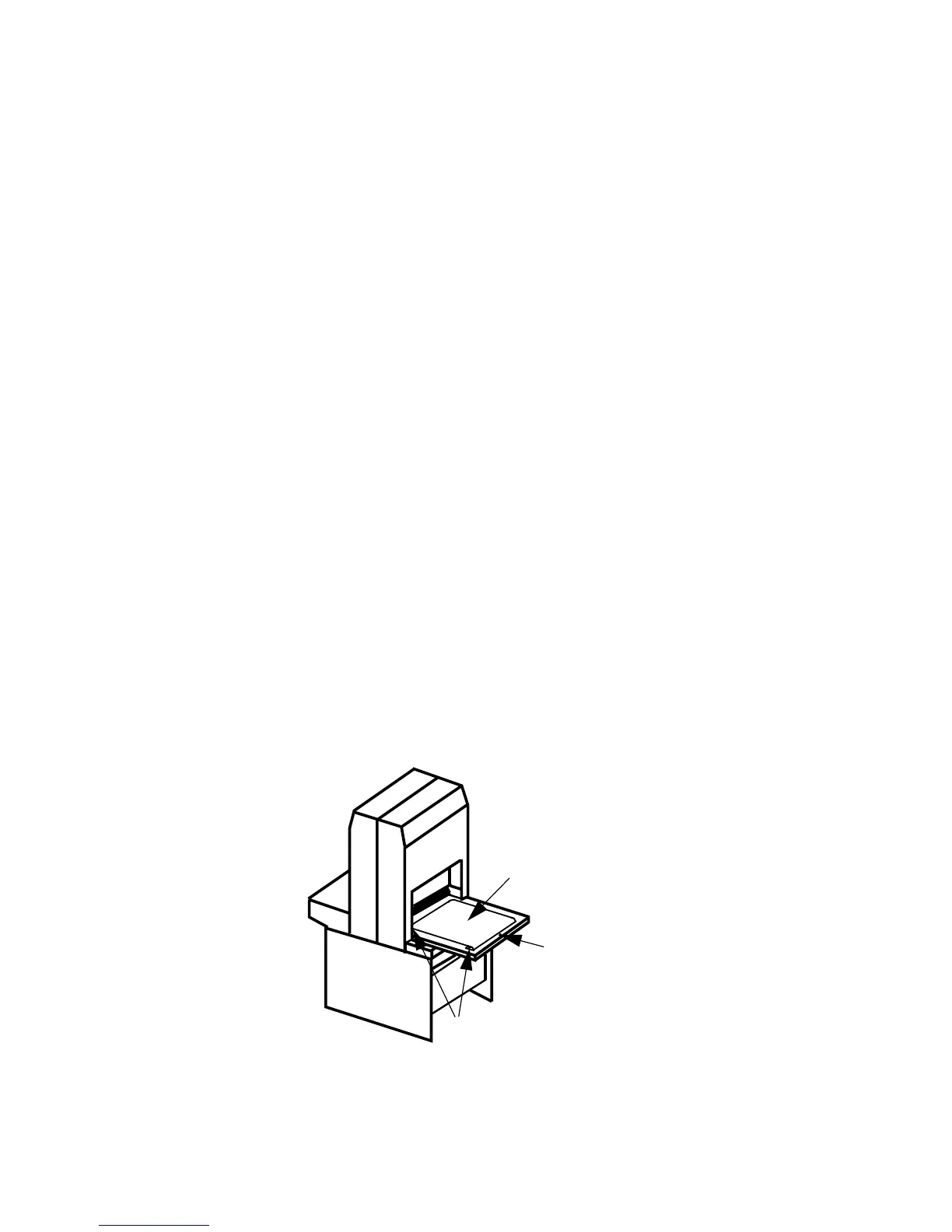
Cleaning the Media Transport Output Sensor
Step 1. Using a cotton tip swab moistened with isopropyl alcohol, gently
rub the output sensor to remove any debris buildup.
Figure 4-3 Media Transport
ROLLERS
OUTPUT SENSOR
BELT



 To Next Page