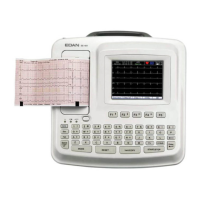
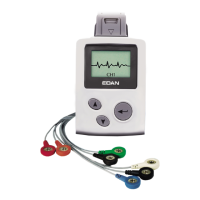
SE-12 Series Electrocardiograph User Manual Introduction
- 20 -
2.5 Right Panel
Figure 2-5 SE-12 Express Right Panel
Connecting to the patient cable
Connecting to a PC
In the exercise test, only the treadmill/ergometer recommended
by the manufacturer can be connected.
Standard USB socket, connecting to a PC
Standard USB socket, connecting to a U disk, a bar code
reader or a USB printer recommended by the manufacturer
External Input / Output
Socket
Connecting to the external signal device
In the exercise test, only the BP Monitor recommended by the
manufacturer can be connected.
Standard net port, connecting to a PC
CAUTION
Only the USB equipment recommended by the manufacturer can be connected to the
USB interface.



 To Next Page