Edimax Pro NMS
100
Your computer’s IP address must be in the same subnet as the AP
Controller. Refer to V-1. Configuring your IP Address for more help.
If you changed the AP Controller’s IP address, or if your
gateway/router uses a DHCP server, ensure you enter the correct
IP address. Refer to your gateway/router’s settings.
If using a DHCP server on the network, it is advised to use your
DHCP server’s settings to assign the AP Controller a static IP
address.
3. Enter the username & password to login. The default username &
password are admin & 1234.
LOGOUT
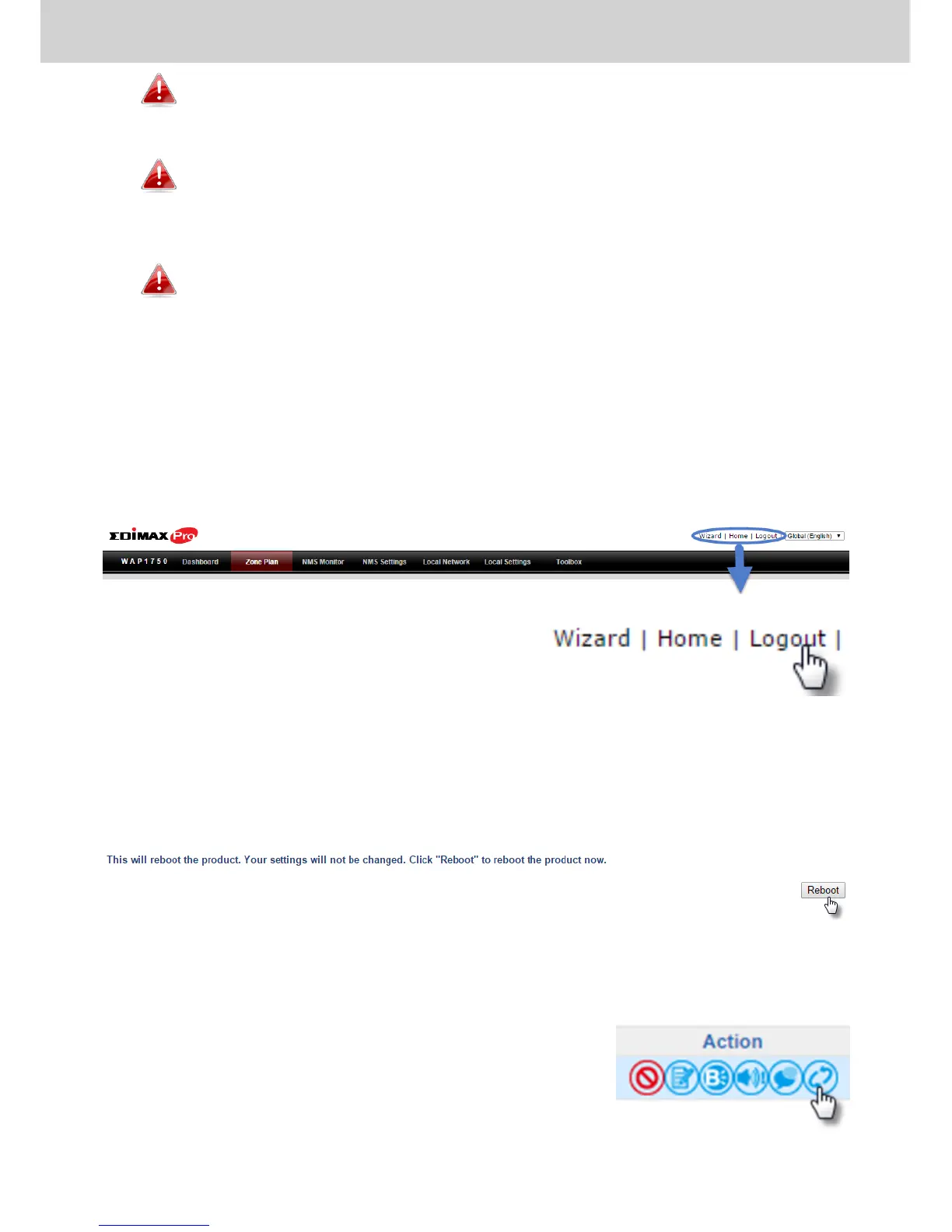
To logout from Edimax NMS, click “Logout” in the top right corner:
RESTART
You can restart your AP Controller or any Managed AP using Edimax NMS. To
restart your AP Controller go to Local Settings Advanced Reboot and
click “Reboot”.
To restart Managed APs click the Restart icon for the specified AP on the
Dashboard:



 To Next Page