AP Mode
83
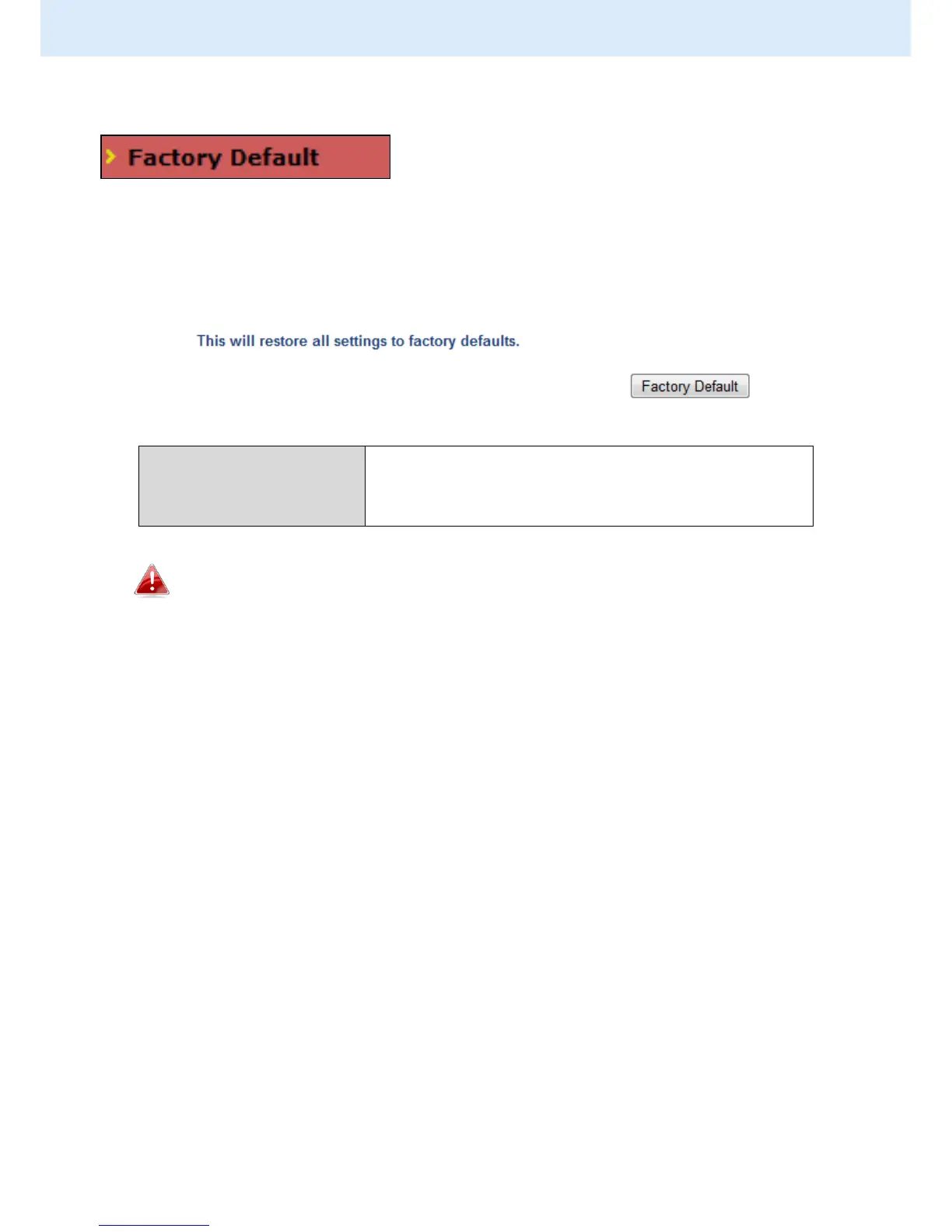
IV-5-4. Factory Default
If the access point malfunctions or is not
responding, then it is recommended that you
reboot the device (see IV-5.5) or reset the device back to its factory default
settings. You can reset the access point back to its default settings using this
feature if the location of the access point is not convenient to access the reset
button.
Click “Factory Default” to restore settings to
the factory default. A pop-up window will
appear and ask you to confirm.
After resetting to factory defaults, please wait for the access
point to reset and restart.



 To Next Page