Edimax Pro NMS
147
IV-5-7. Firmware Upgrade
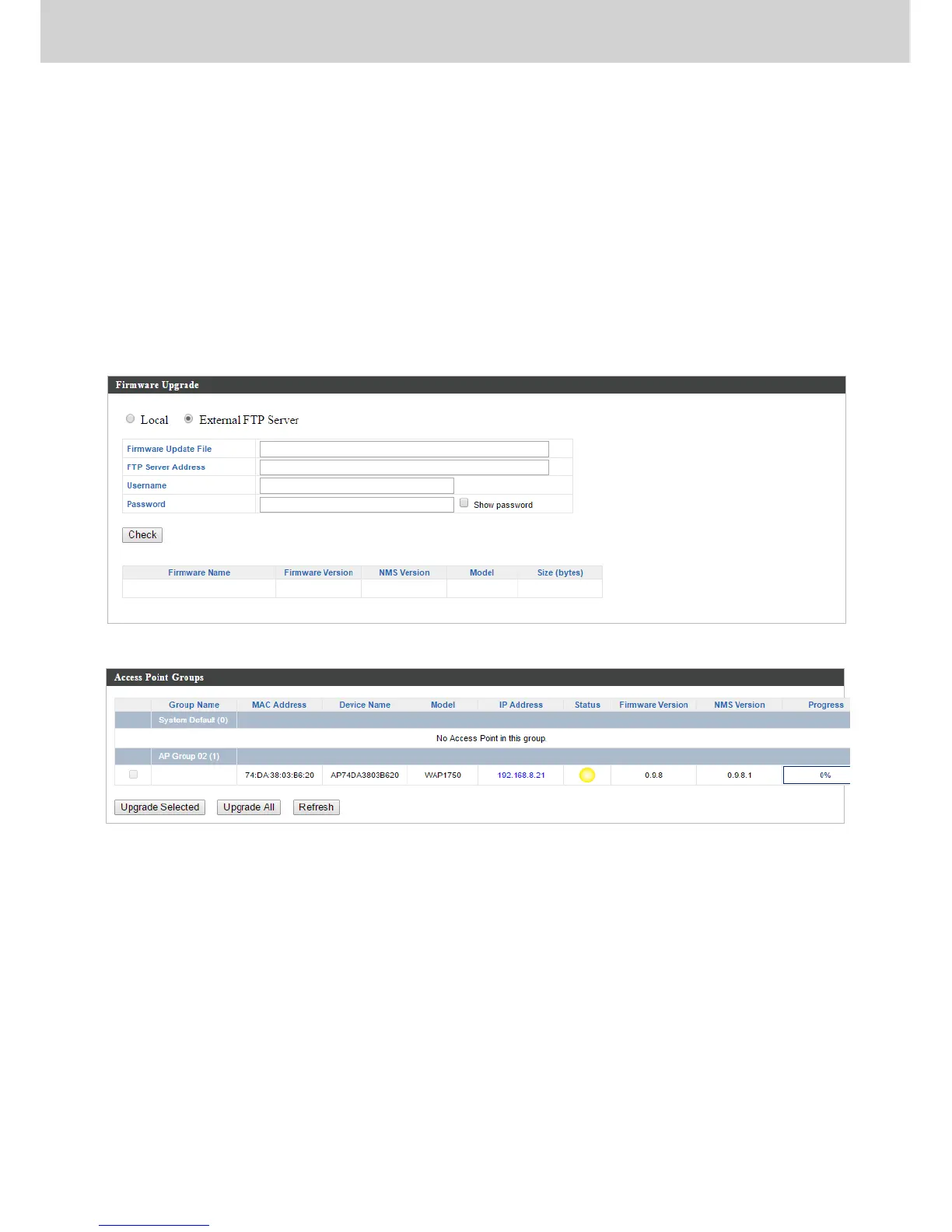
Firmware Upgrade allows you to upgrade firmware to Access Point Groups.
First, upload the firmware file from a local disk or external FTP server: locate
the file and click “Upload” or “Check”. The table below will display the
Firmware Name, Firmware Version, NMS Version, Model and Size.
Then click “Upgrade All” to upgrade all access points in the Array or select
Access Point groups from the list using check-boxes and click “Upgrade
Selected” to upgrade only selected access points.



 To Next Page