AP Mode
81
IV-5-3. Save/Restore Settings
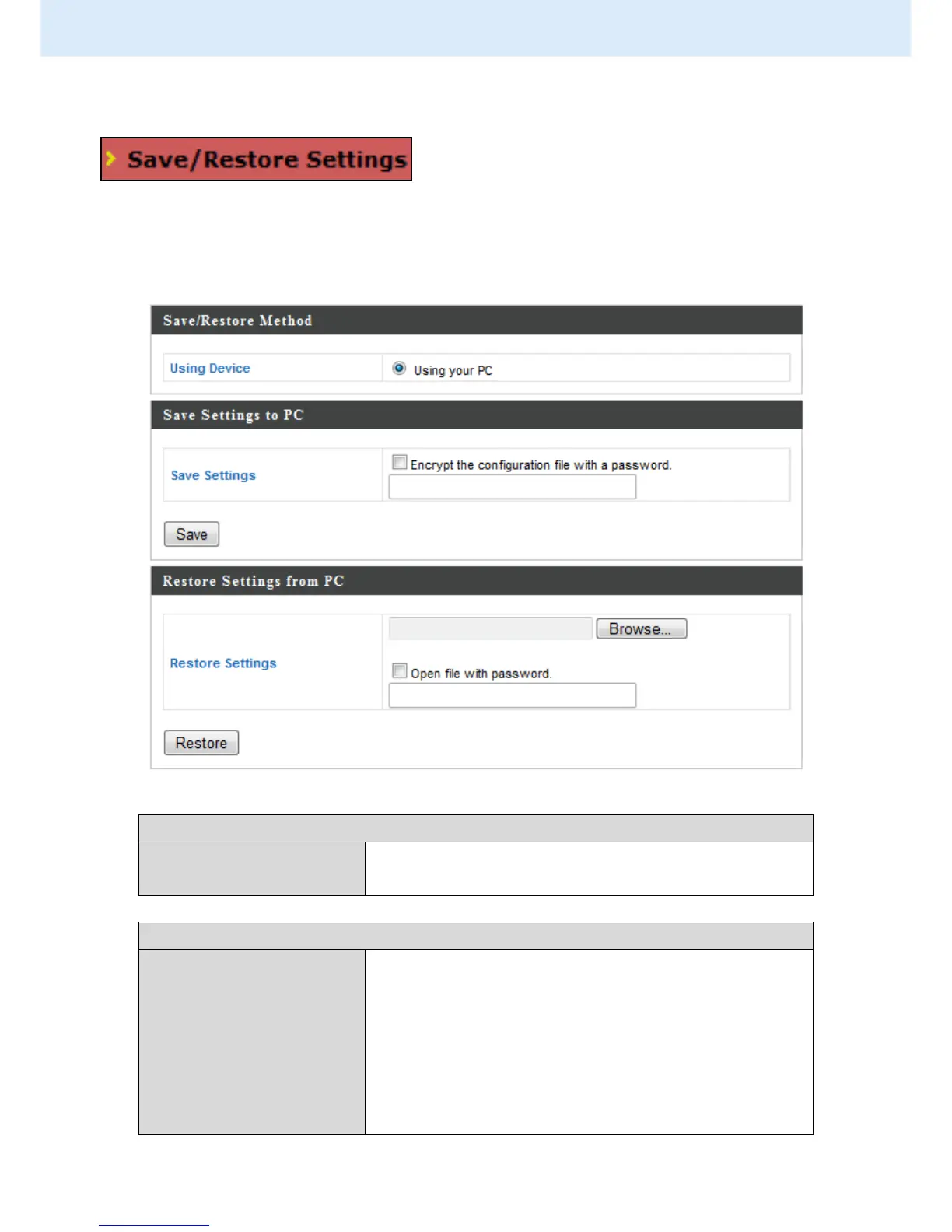
The access point’s “Save/Restore Settings”
page enables you to save/backup the access
point’s current settings as a file to your local computer or a USB device
attached to the access point, and restore the access point to previously saved
settings.
Select “Using your PC” to save the access
point’s settings to your local computer.
Click “Save” to save settings and a new
window will open to specify a location to
save the settings file. You can also check the
“Encrypt the configuration file with a
password” box and enter a password to
protect the file in the field underneath, if you
wish.



 To Next Page