Edimax Pro NMS
105
2. Edit
Edit various settings for the Managed AP (refer to IV-5-1. Access Point)
3. Blink LED
The Managed AP’s LED will flash temporarily to help identify & locate
access points.
4. Buzzer
The Managed AP’s buzzer will sound temporarily to help identify & locate
access points.
5. Network Connectivity
Go to the “Network Connectivity” panel to perform a ping or traceroute.
6. Restart
Restarts the Managed AP.
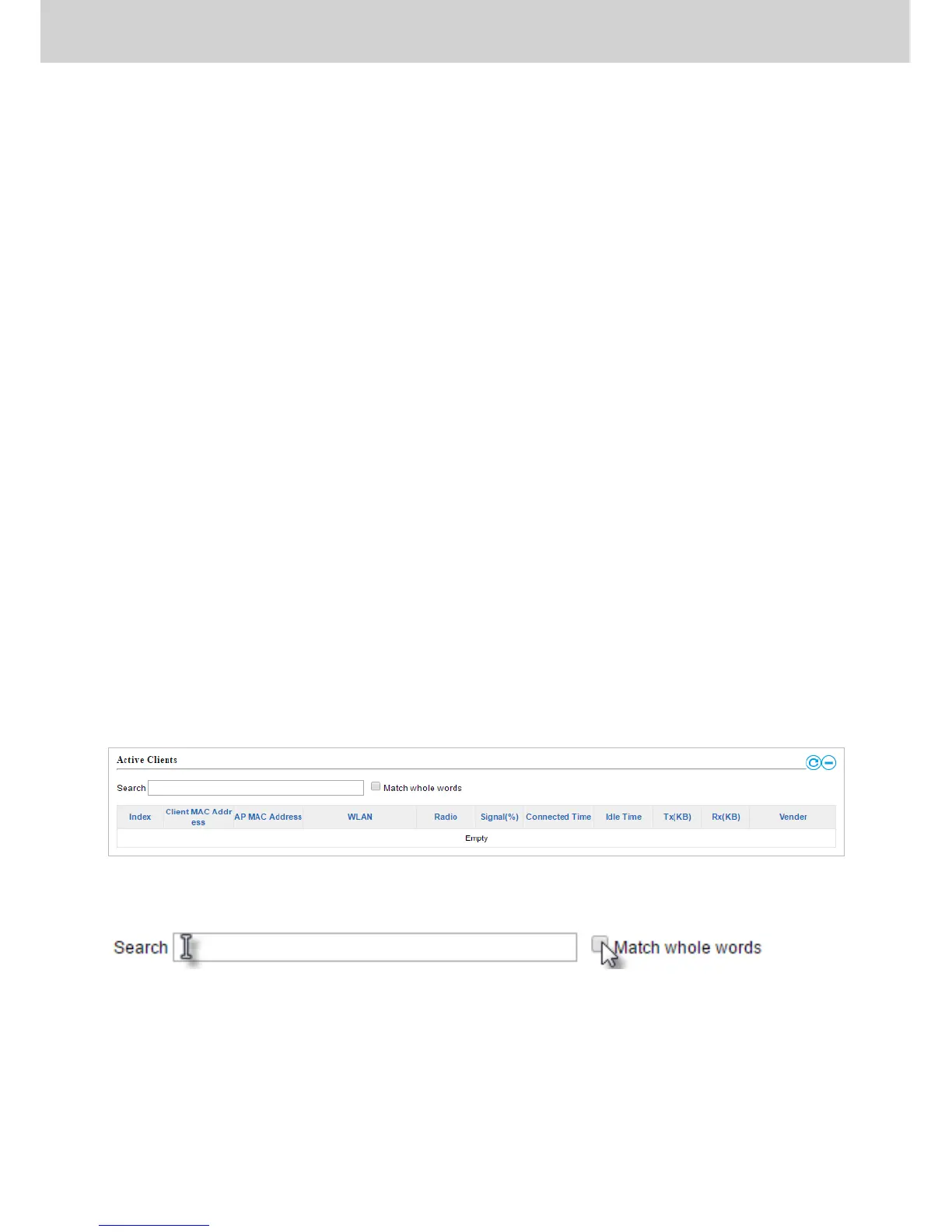
IV-2-5. Active Clients
Active Clients displays information about each client in the local network:
Index (reference number), Client MAC Address, Device Name, Model, IP
Address, 2.4GHz & 5GHz Wireless Channel Number, No. of Clients connected
to each access point, and Status (on or off).
The search function can be used to locate a specific client. Type in the search
box and the list will update:



 To Next Page