AP Mode
70
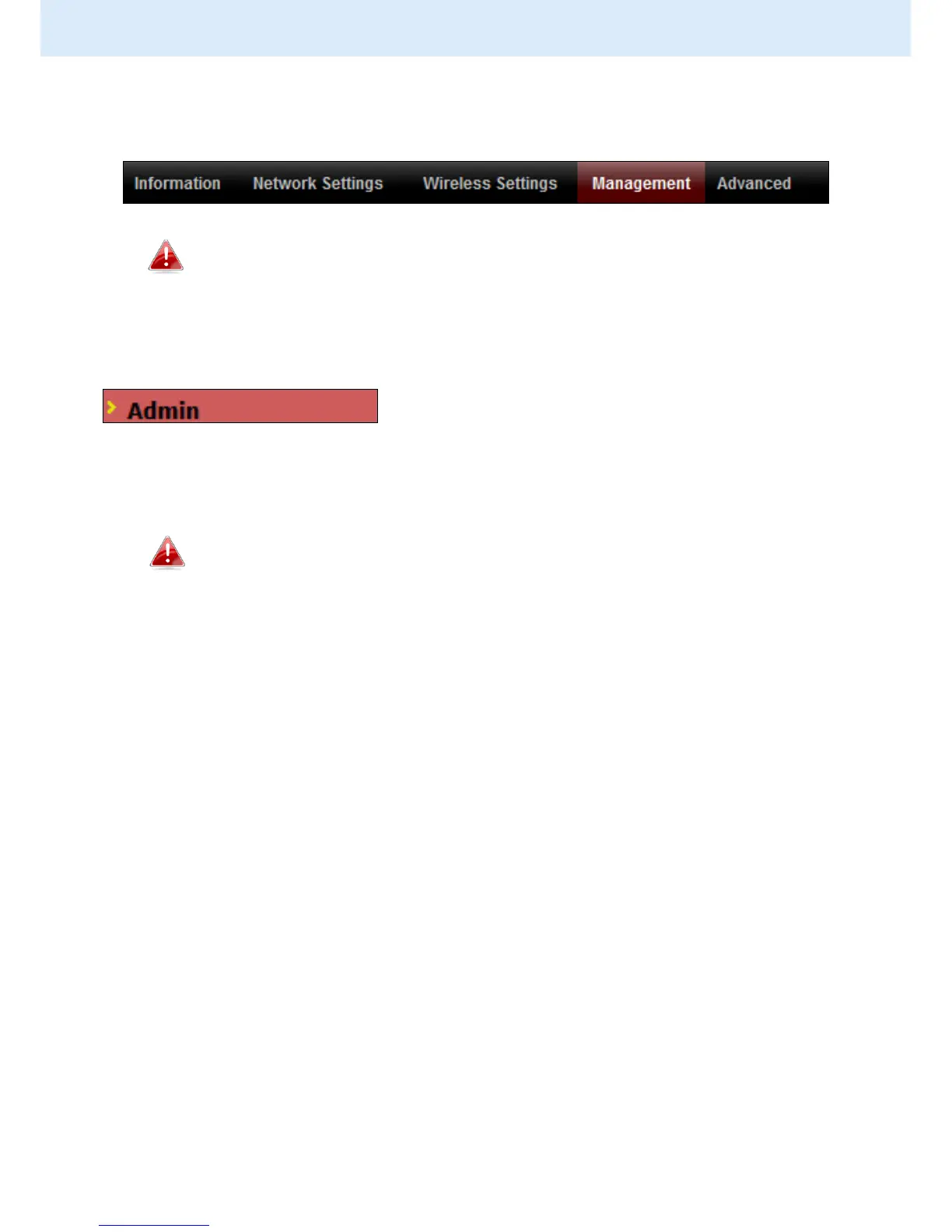
IV-4. Management
Screenshots displayed are examples. The information shown on
your screen will vary depending on your configuration.
IV-4-1. Admin
You can change the password used to login to
the browser-based configuration interface here.
It is advised to do so for security purposes.
If you change the administrator password, please make a note
of the new password. In the event that you forget this
password and are unable to login to the browser based
configuration interface, see I-5. Reset for how to reset the
access point.



 To Next Page