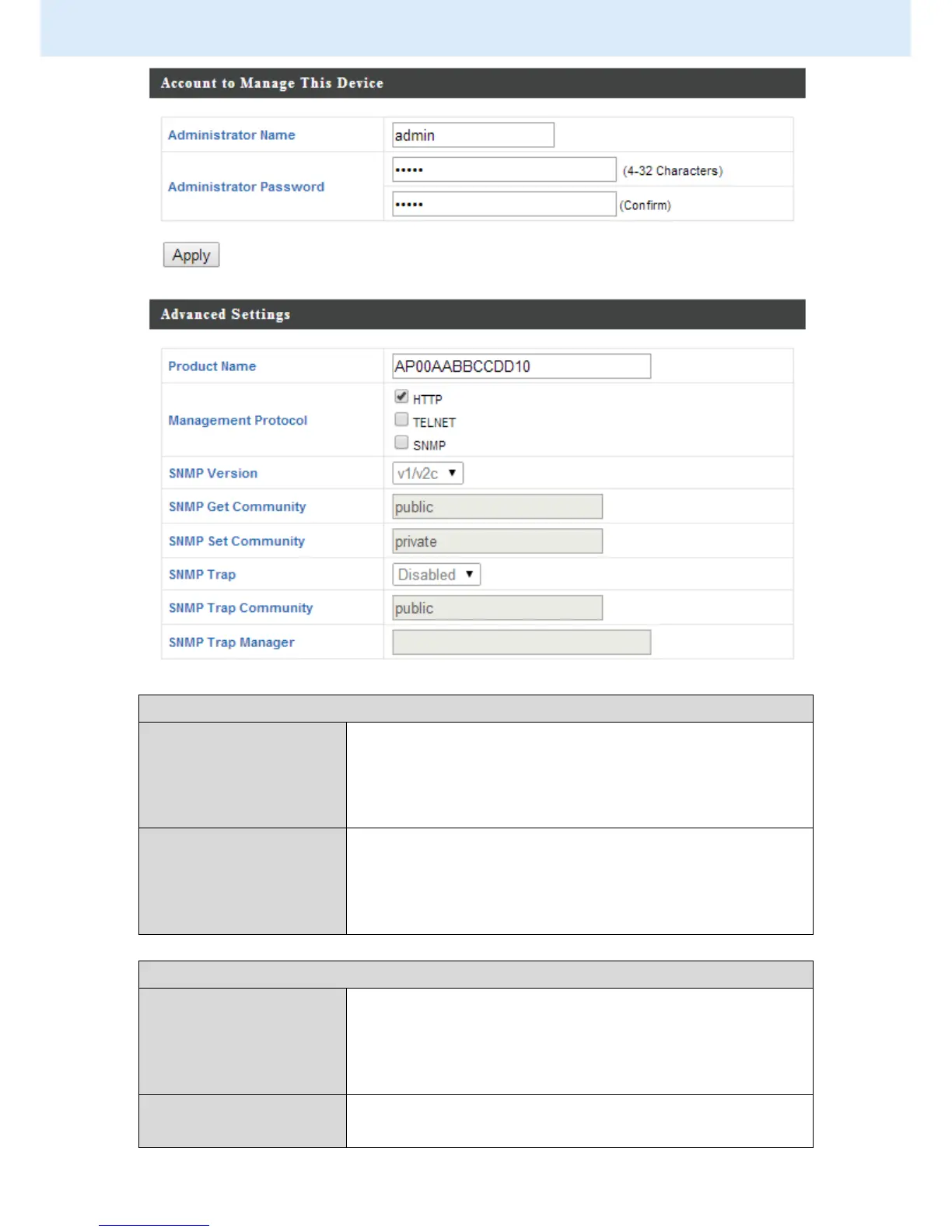
Account to Manage This Device
Set the access point’s administrator name.
This is used to log in to the browser based
configuration interface and must be between
4-16 alphanumeric characters (case sensitive).
Set the access point’s administrator password.
This is used to log in to the browser based
configuration interface and must be between
4-32 alphanumeric characters (case sensitive).
Edit the product name according to your
preference consisting of 1-32 alphanumeric
characters. This name is used for reference
purposes.
Check/uncheck the boxes to enable/disable
specified management interfaces (see below).



 To Next Page