AP Mode
34
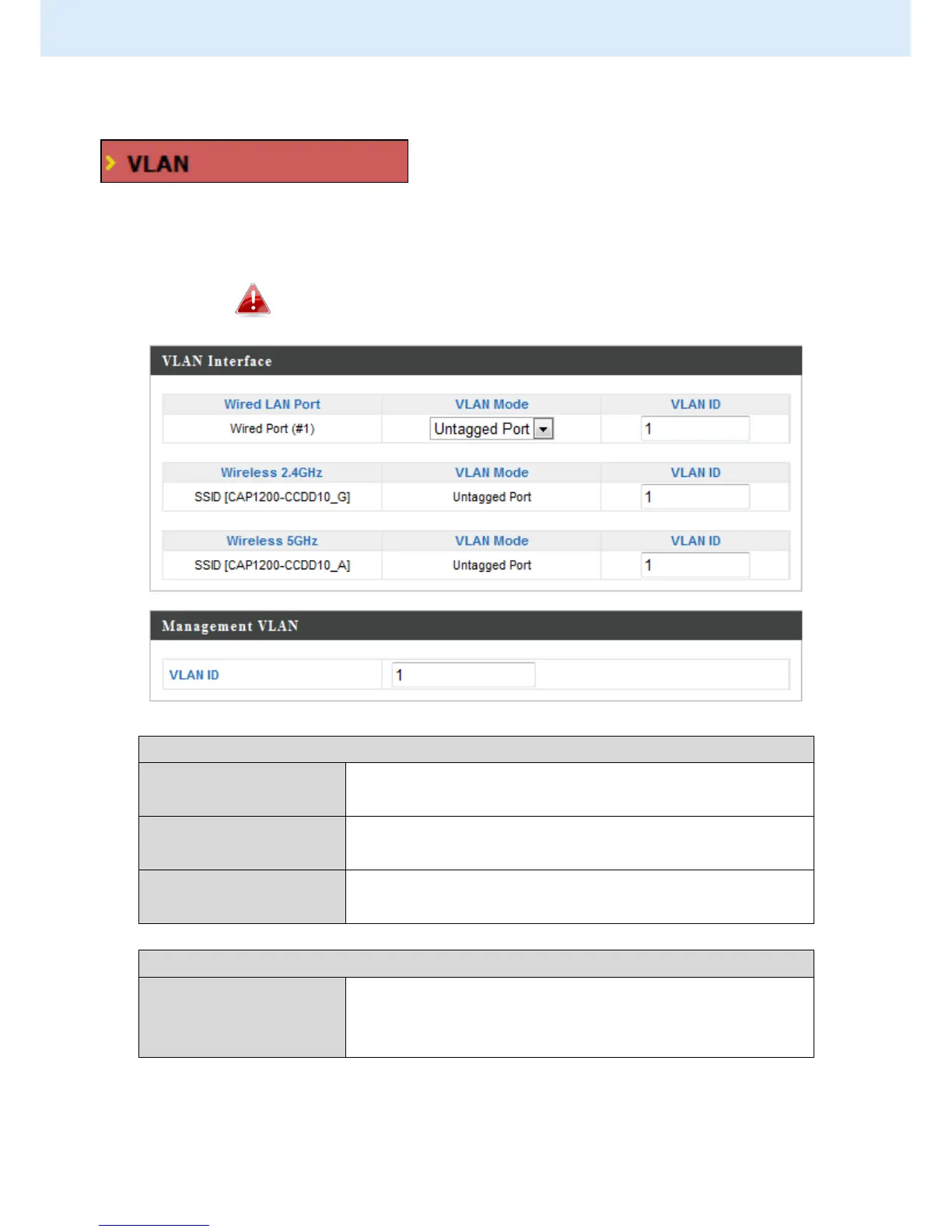
IV-2-3. VLAN
The “VLAN” (Virtual Local Area Network)
enables you to configure VLAN settings. A
VLAN is a local area network which maps
workstations virtually instead of physically and allows you to group together
or isolate users from each other. VLAN IDs 1 – 4095 are supported.
VLAN IDs in the range 1 – 4095 are supported.
Identifies LAN port 1 or 2 and wireless SSIDs.
Select “Tagged Port” or “Untagged Port” for
specified LAN interface.
Set a VLAN ID for specified interface, if
“Untagged Port” is selected.
Specify the VLAN ID of the management VLAN.
Only the hosts belonging to the same VLAN can
manage the device.



 To Next Page