Edimax Pro NMS
106
IV-3. ZONE PLAN
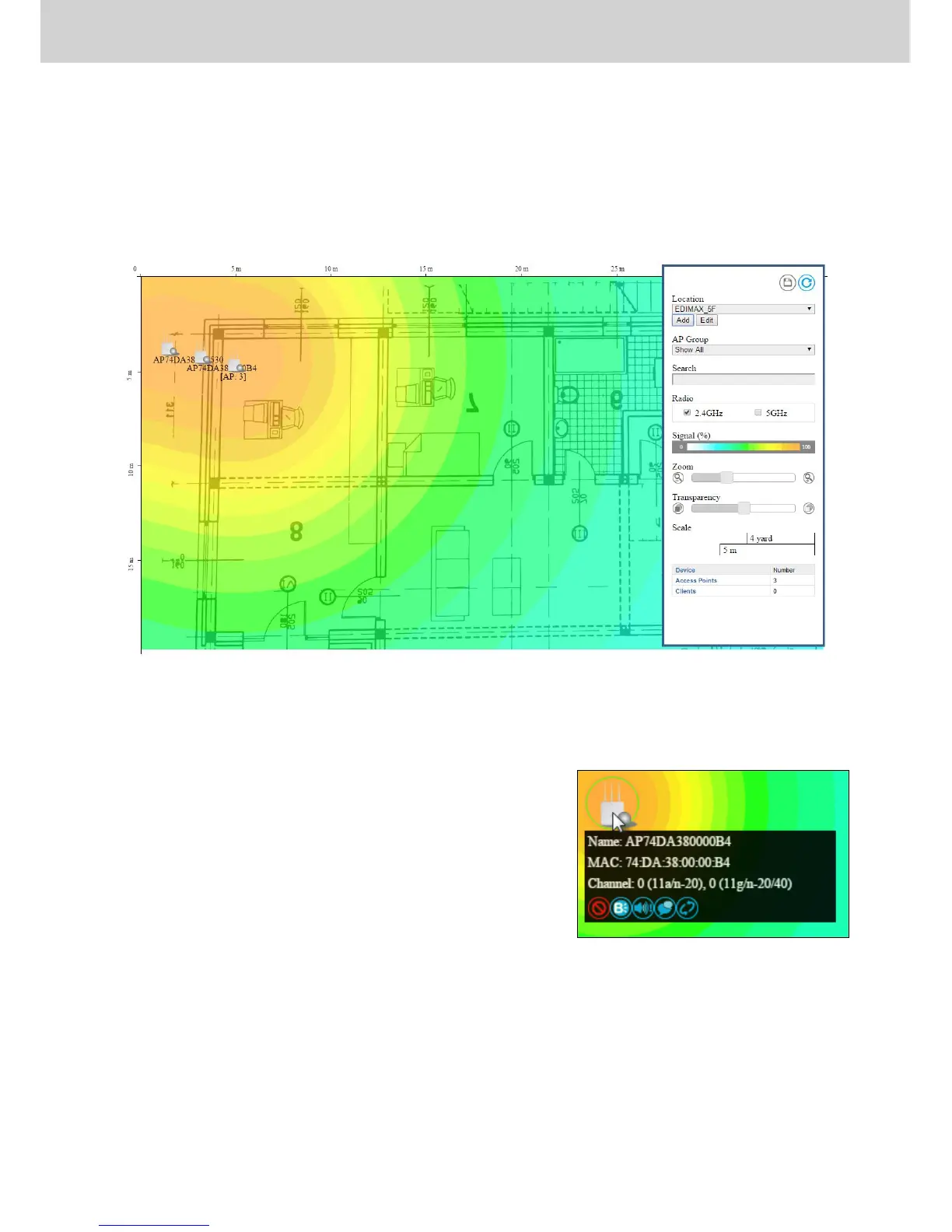
The Zone Plan can be fully customized to match your network environment.
You can move the AP icons and select different location images (upload
location images in NMS Settings Zone Edit) to create a visual map of your
AP array.
Use the menu on the right side to make adjustments and mouse-over an AP
icon in the zone map to see more information. Click an AP icon in the zone
map to select it and display action icons:



 To Next Page