AP Mode
20
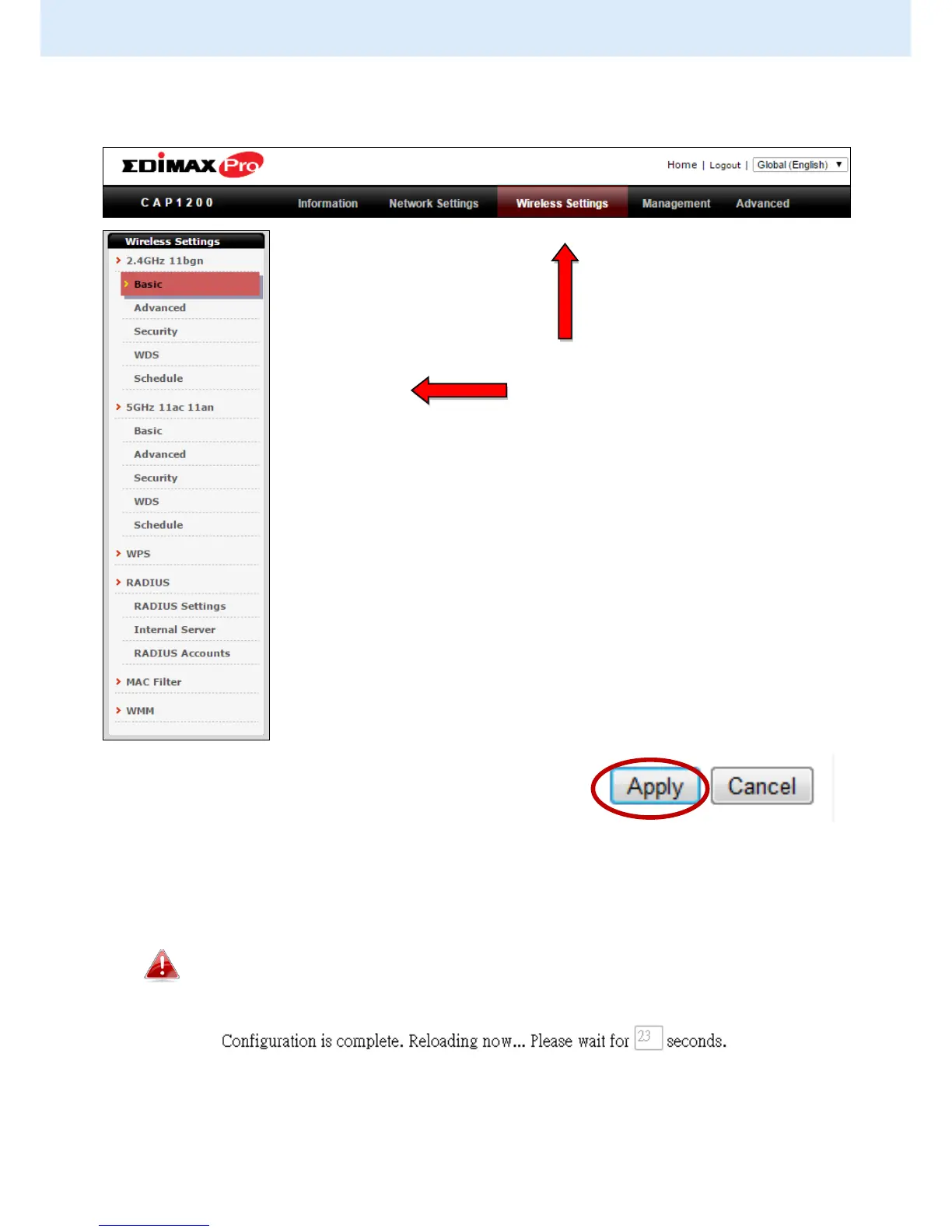
5. Use the menu across the top and down the left side to navigate.
6. Click “Apply” to save changes and reload the access point, or “Cancel” to
cancel changes.
Please wait a few seconds for the access point to reload after you
“Apply” changes, as shown below.
7. Please refer to the following chapters for full descriptions of the browser
based configuration interface features.



 To Next Page