Edimax Pro NMS
89
5. Open a web browser and enter the AP Controller’s IP address in the
address field. The default IP address is 192.168.2.2
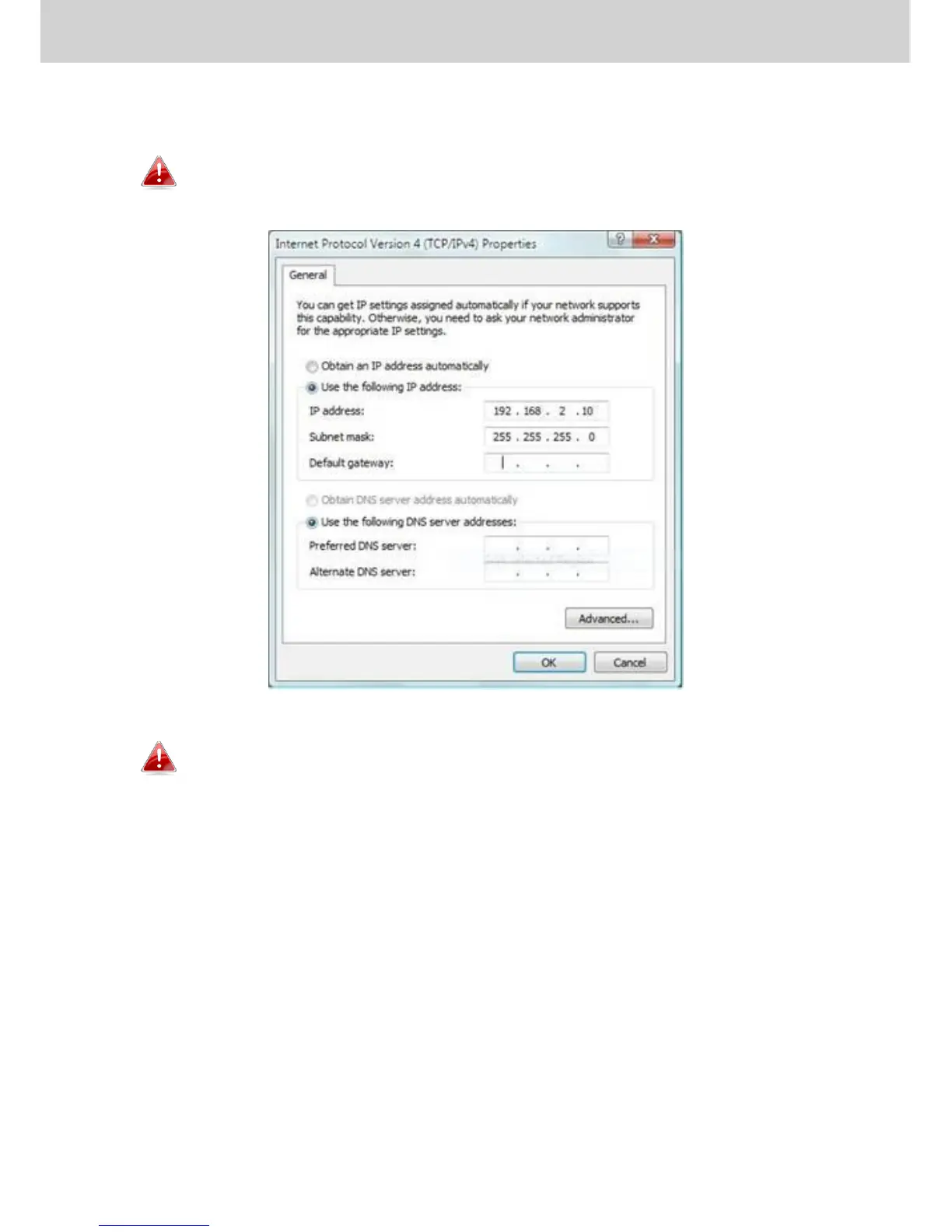
Your computer’s IP address must be in the same subnet as the AP
Controller. Refer to V-1. Configuring your IP Address for help.
If you changed the AP Controller’s IP address, or if your
gateway/router uses a DHCP server, ensure you enter the correct
IP address. Refer to your gateway/router’s settings.
6. Enter the username & password to login. The default username &
password are admin & 1234.
7. You will arrive at the Edimax Pro NMS Dashboard. Go to “Management”
“Operation Mode” and select “AP Controller Mode” from the drop
down menu.



 To Next Page