7
6. Using the Administrator Utility
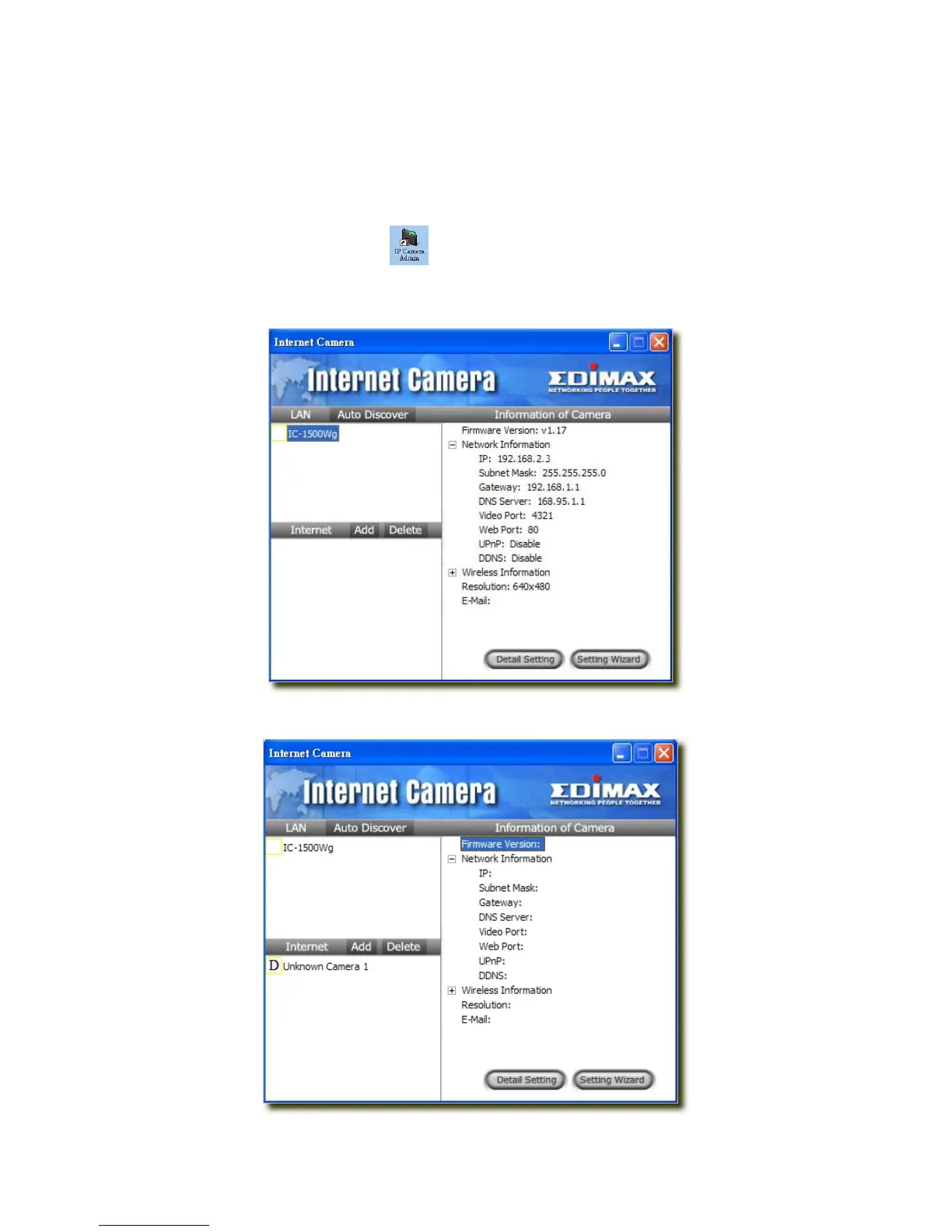
The Administrator Utility allows users to search and setup the cameras located within the Intranet or on the Internet. From
the utility, users can view all the information of the selected camera; furthermore, it provides a setting wizard, which can
guide users to add the camera to the network easily and promptly.
There are two ways to run the Administrator Utility as follows.
1. Click “Start”, select “Programs\IP Camera\Admin Utility” to run the utility.
2. Click the “IP Camera Admin” icon
to run the utility.
Once the utility is started, it will search all the cameras within the network. To do more settings, please refer to the
description in the following sections.
6.1 General Setting



 To Next Page