34
8.7 Status
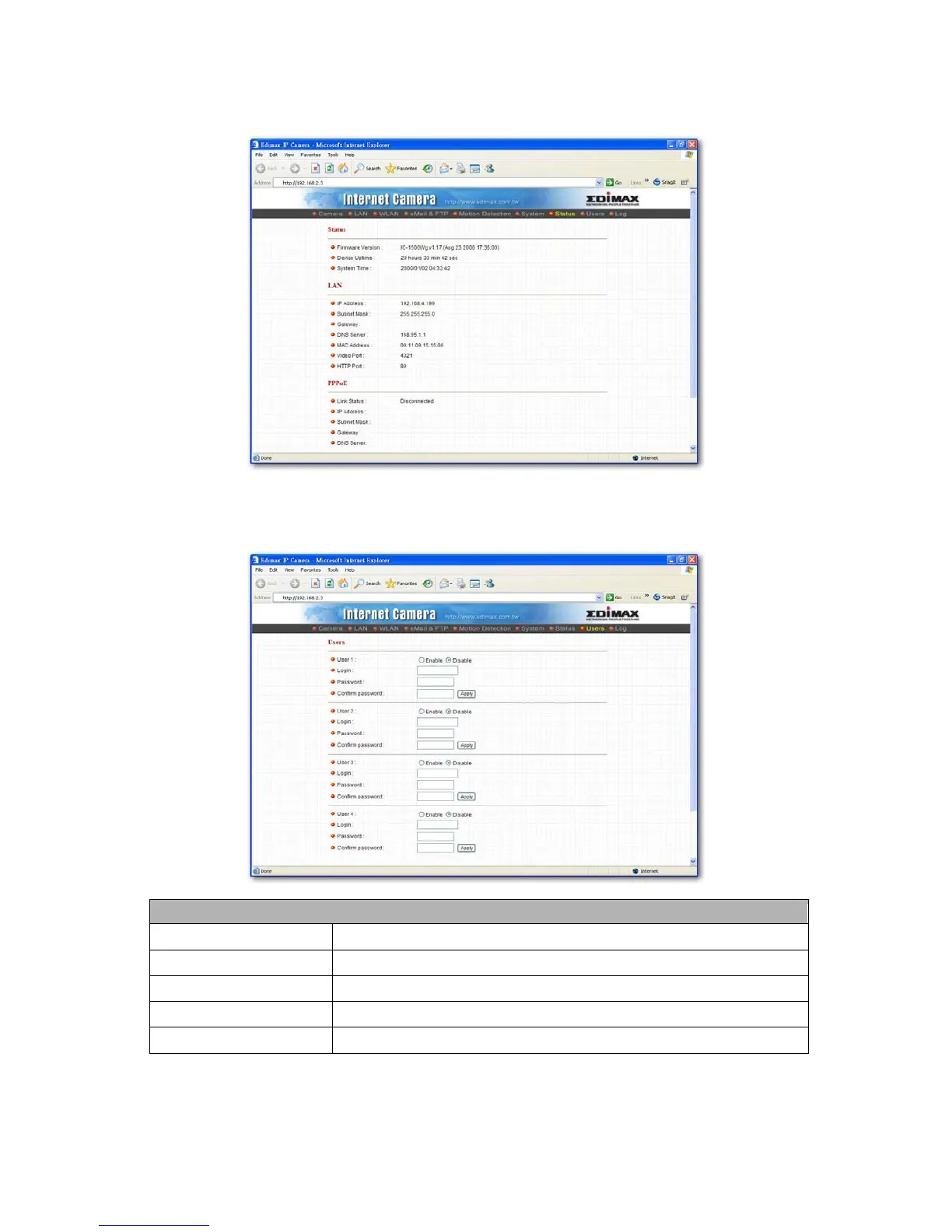
The “Status” shows the current firmware version, uptime, system time and IP information of this camera.
8.8 Users
The “Users” allows users to add four user accounts which are able to view video from Camera Viewer and Web
Management. These users, unlike Administrator, are not allowed to configure the camera.
User 1 / 2 / 3 / 4
User #
Enable or Disable the user number #.
Login
Enter the the login name to the camera.
Password
Enter up to 4 digits password for the new user account.
Confirm Password
Enter the password again to confirm the setting.
Apply
Click “Apply” to save the user account setting.



 To Next Page