11
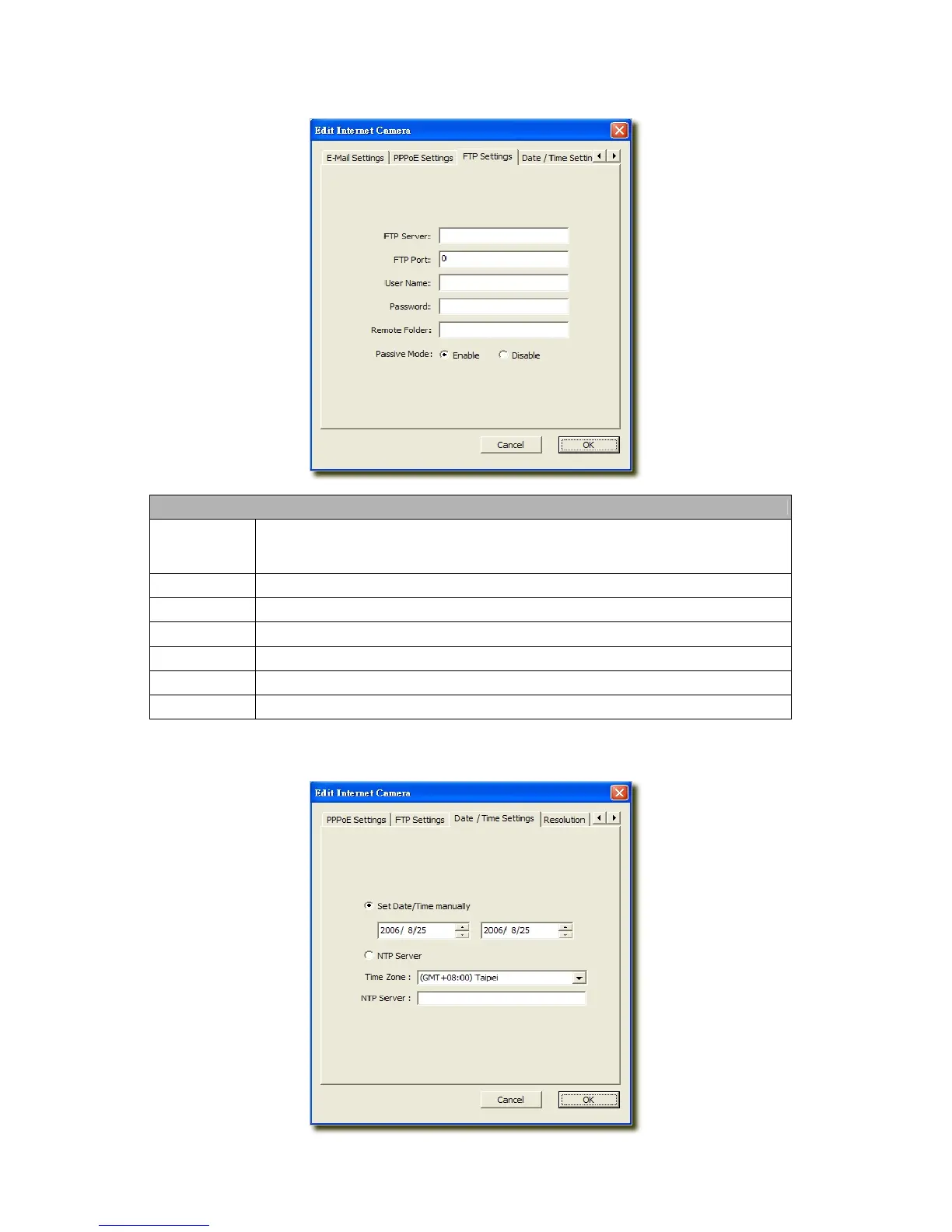
6.2.3 FTP Settings
FTP Settings
FTP Server
This camera supports “Motion Detection” functions. When Motion Detection event
occurred, you can record the live video to FTP server. Enter the FTP address for receiving
the video.
FTP Port
Enter the port of the FTP server.
User Name
Specify the user account of ftp server.
Password
Specify the Password of your ftp account.
Remote Folder
Specify the folder of the ftp site that you want to store the video.
Password
When Authentication is enabled, input the password.
Passive Mode
If your Camera is under NAT, you usually need to enable this feature.
6.2.4 Date / Time Settings



 To Next Page