14
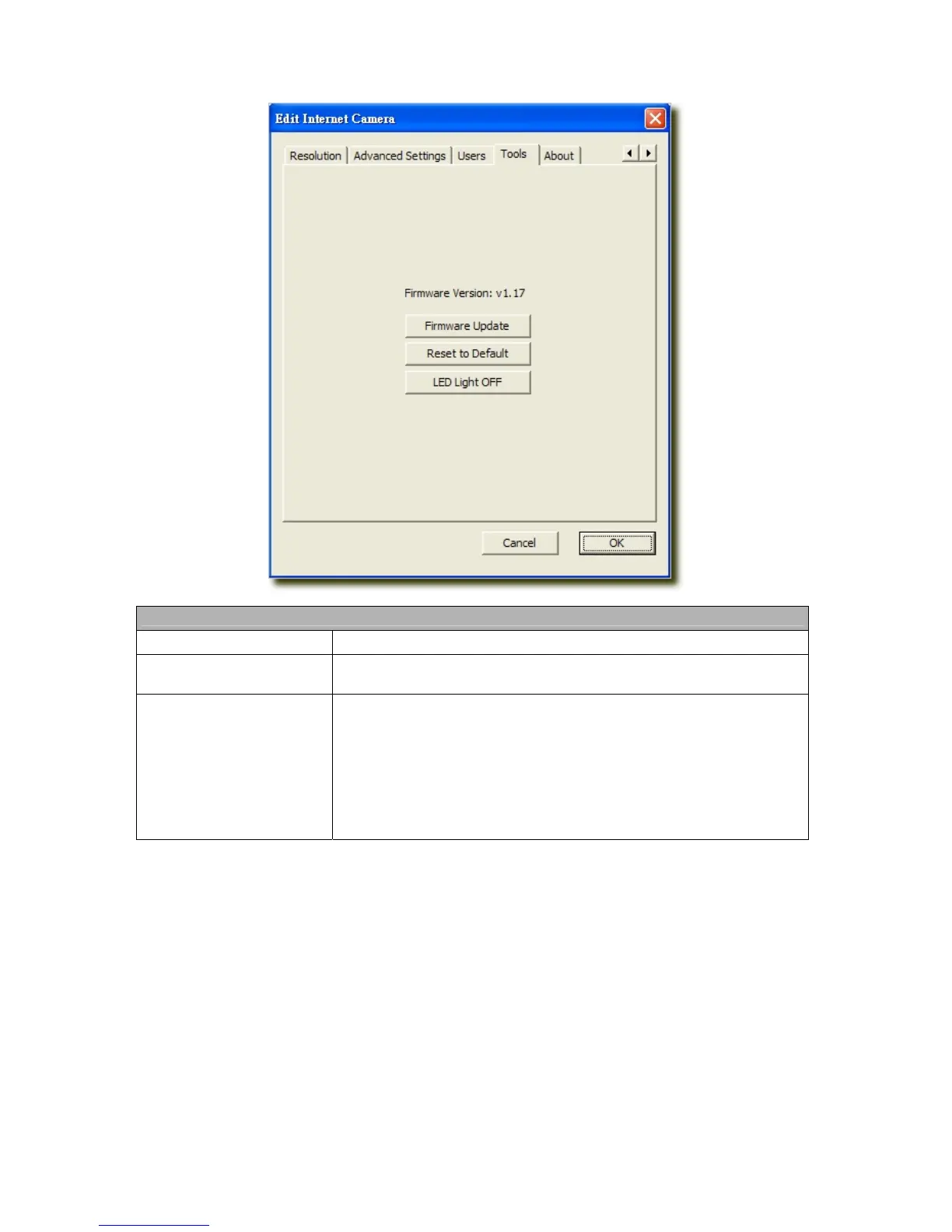
6.2.8 Tools
Tools
Firmware Version
Display current firmware version.
Firmware Update
You can upgrade camera’s firmware via this function. Press this button and
select the correct firmware to upgrade.
Reset to Default
If you want to reset the camera, click this button. The default settings of the
camera are as follows.
Camera Name: “IP Camera”
IP Address: “192.168.2.3”
Subnet Mask: 255.255.255.0
Administrator Name: “admin”
Password: “1234”
Video Port: “4321”
Web Port: “80”



 To Next Page