12
Date / Time Settings
Set Date/Time manually
Set the current Date and Time.
NTP Server
Synchronize the Date and Time with NTP server.
Time Zone
Select the time zone that your camera put on.
NTP Server
Specify the IP Address of the NTP Server.
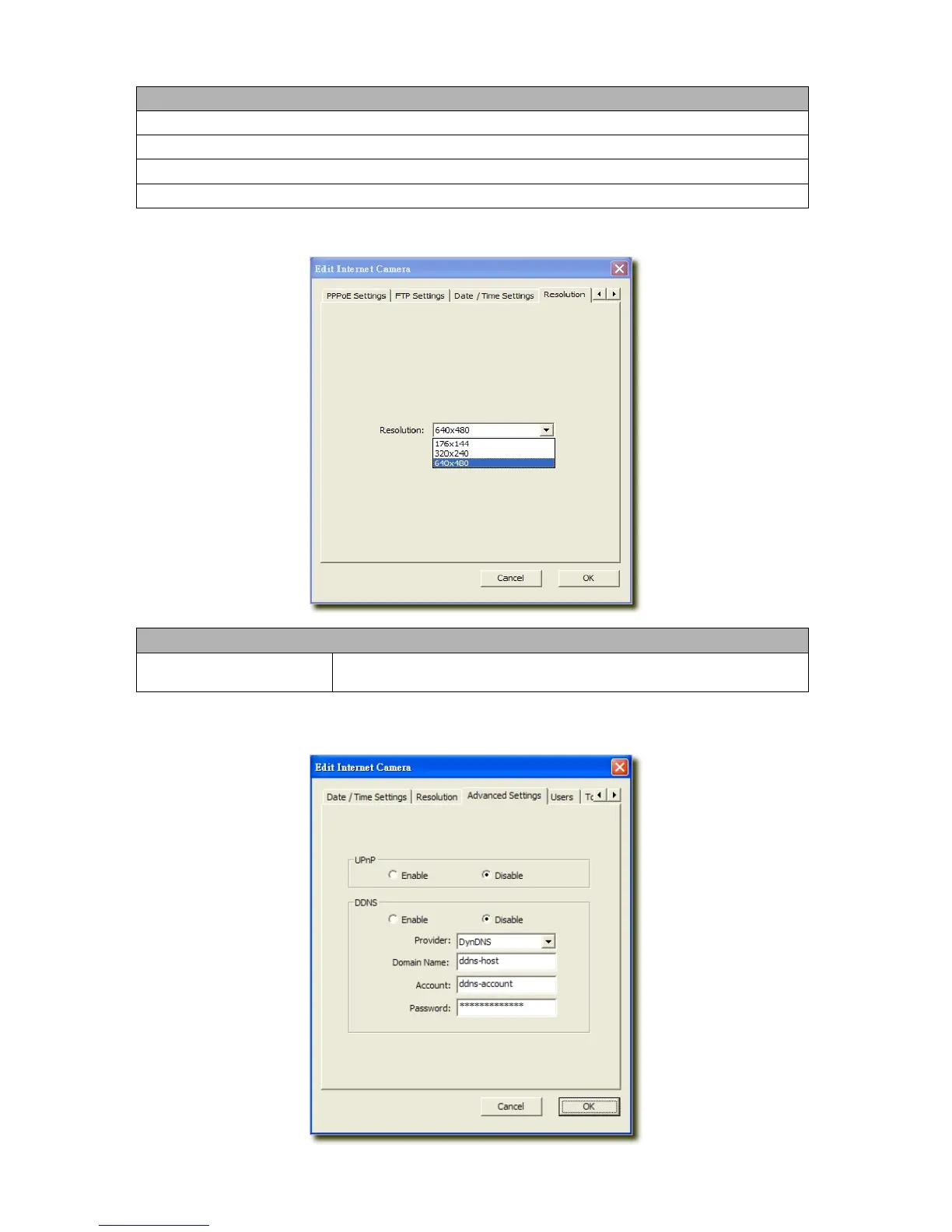
6.2.5 Resolution
Resolution
Resolution
Select the desired video resolution format. Larger resolution requires more
bandwidth. 640 x 480 is “VGA” format. 320 x 240 is “CIF” format.
6.2.6 Advanced Setting



 To Next Page