23
Weekly Schedule
Schedule
Cycle Recording
Select this item to enable cycle recording. When the Cycle Recording is enabled and
the storage usage has already reached the maximum reserved storage space, the
utility will automatically delete the oldest recorded video file and use the space to store
the newly recorded video stream.
One-Time Schedule
You can assign a range of time and the utility will automatically record the video stream
only during the period of time. The default time is 2 minutes later from the current time.
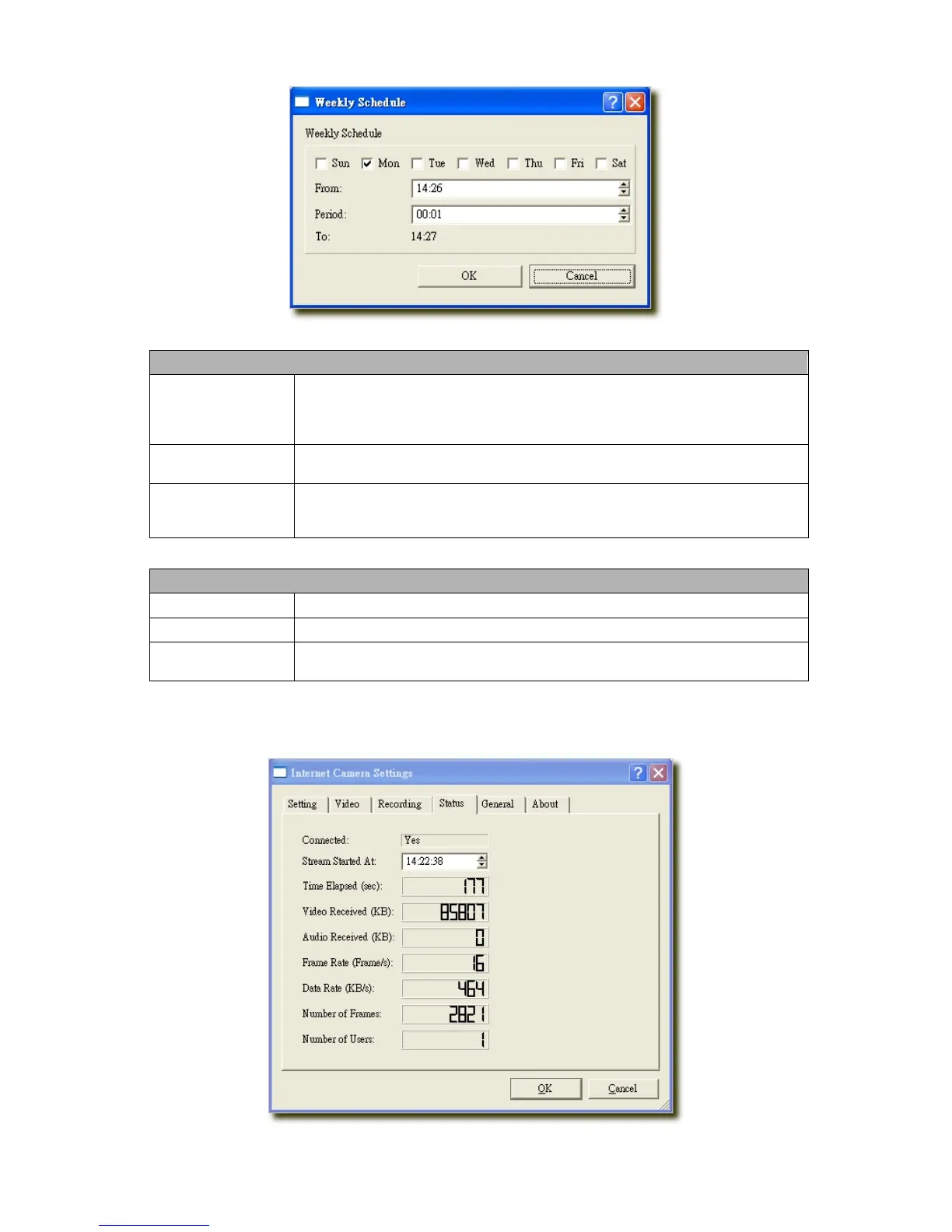
Weekly Schedule
You can assign the days in a week and the period of time in a day when you want to
record the video stream. The utility will automatically record the video stream during the
periods of time every week again and again.
Schedule
New
Click “New” to add a new recording schedule.
Edit
Select an existing schedule in the schedule list and click “Edit” to edit the schedule.
Delete
Select an existing schedule in the schedule list and click “Delete” to delete the
schedule.
7.8.3 Status
You can see the current status information of the connection session between the utility and the Internet Camera.



 To Next Page