10
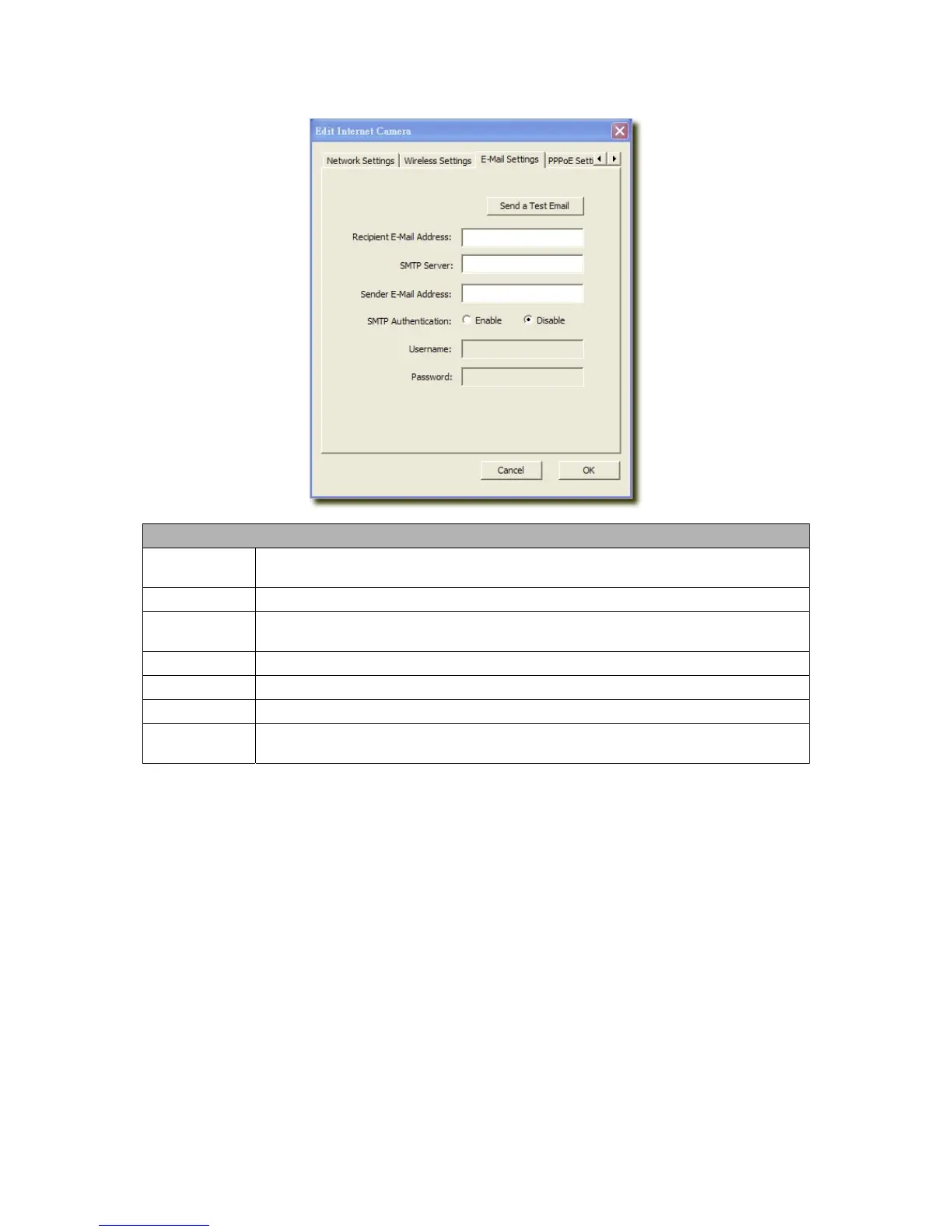
6.2.2 E-Mail Setting
E-Mail Setting
Recipient E-Mail
Address
This camera supports “Snap Shot” and “Motion Detection” functions. You can snapshot a
picture and send the picture by E-Mail. Enter the E-Mail Account for receiving the picture.
SMTP Server
Enter the SMTP Server for the E-Mail sending.
Sender E-Mail
Address
Specified the e-mail address of the e-mail sender.
Authentication
Enable or Disable the SMTP Authentication function
Username
When Authentication is enabled, input the SMTP Username.
Password
When Authentication is enabled, input the password.
Send a Test
Email
Press this button to send a test e-mail to your mailbox. You can use this function to test if your
setting is correct.



 To Next Page