15
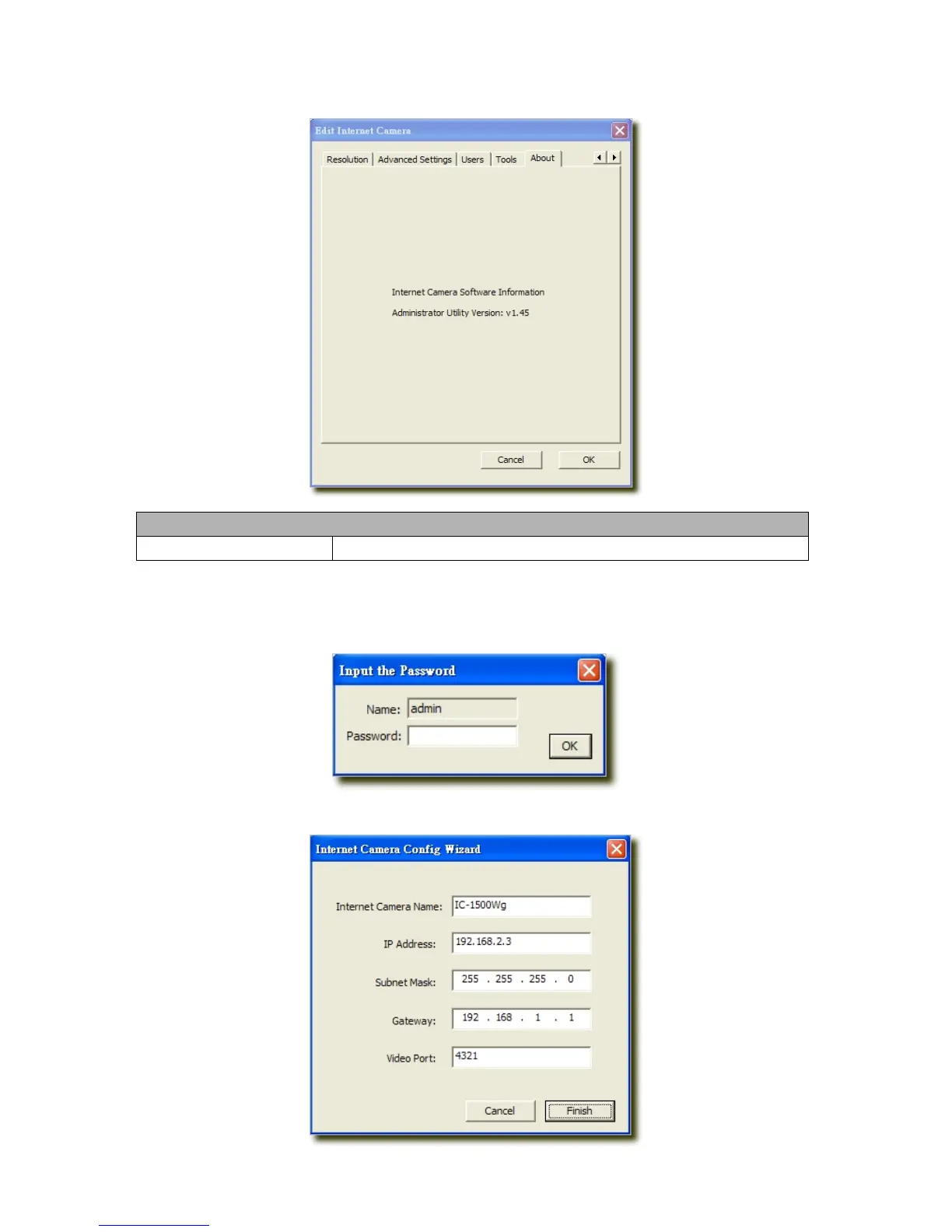
6.2.9 About
About
Administrator Utility Version
Display current Administrator Utility Version.
6.3 Setting Wizard
When you click the “Setting Wizard”, a screen will pop up for you to enter the “Administrator Name” and “Password”.
The default value is as follows.
Name: “admin”
Password: “1234”
If the name and password you enter are correct, you can start to setup the camera.



 To Next Page