32
8.5 Motion Detection
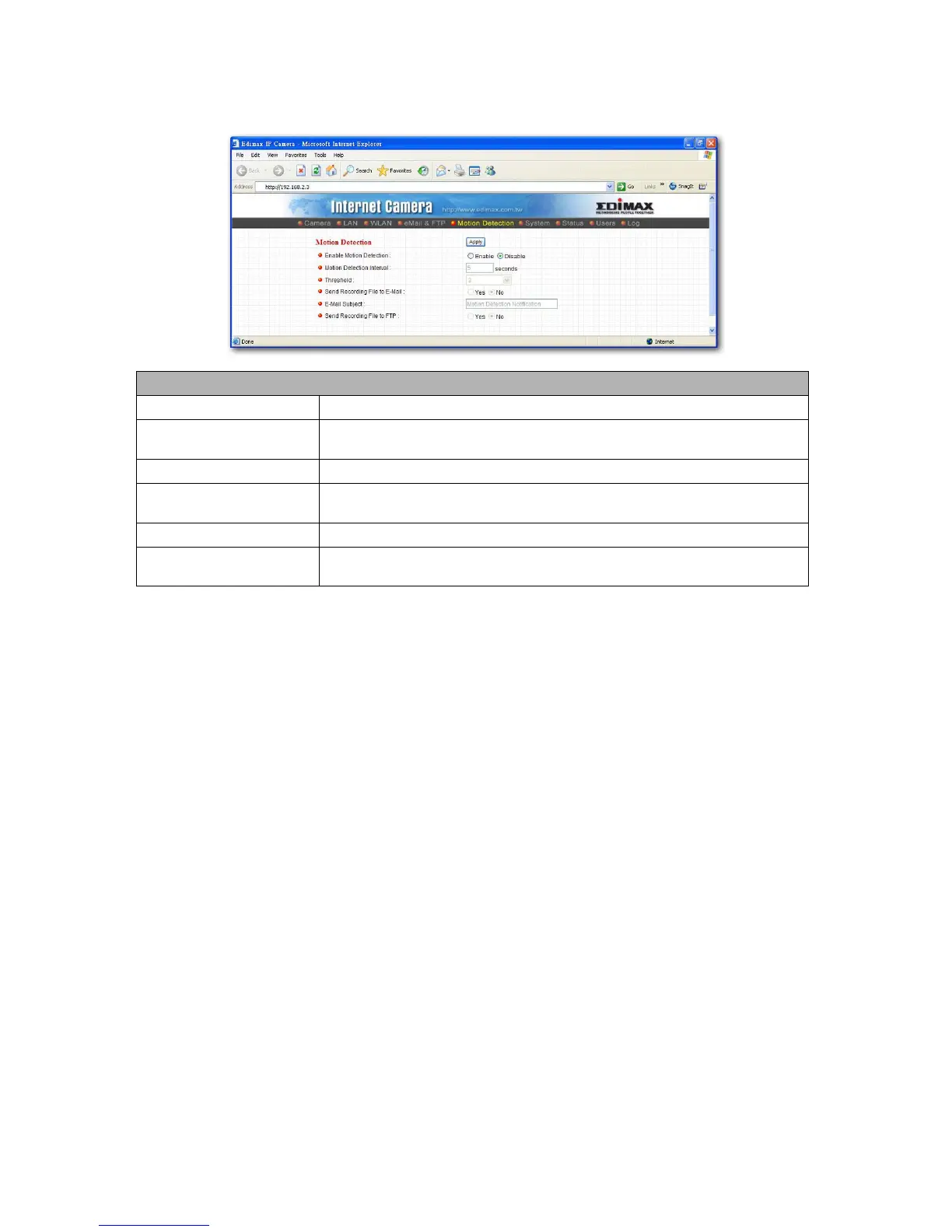
The “Motion Detection” allows users to setup the behavior of motion detection feature.
Motion Detection
Motion Detection Enable
Enable or Disable the Motion Detection Function.
Next Event Detected
Interval
Setup the interval between two events. For example, if you setup the interval to 5
seconds, the next event will start after this event finished + 5 seconds.
Threshold
Setup the sensitivity of motion detection.
Send Recording File to
E-Mail
Select Yes to send the recorded pictures to your e-mail account that you had
specified at “E-Mail & FTP” menu.
E-Mail Subject
Specify the subject of motion detection notify e-mail.
Send Recording File to FTP
Select Yes to send the recorded pictures to your FTP server that you had specified
at “E-Mail & FTP” menu.



 To Next Page