37
12 Appendix B Viewing via UPnP in Windows XP
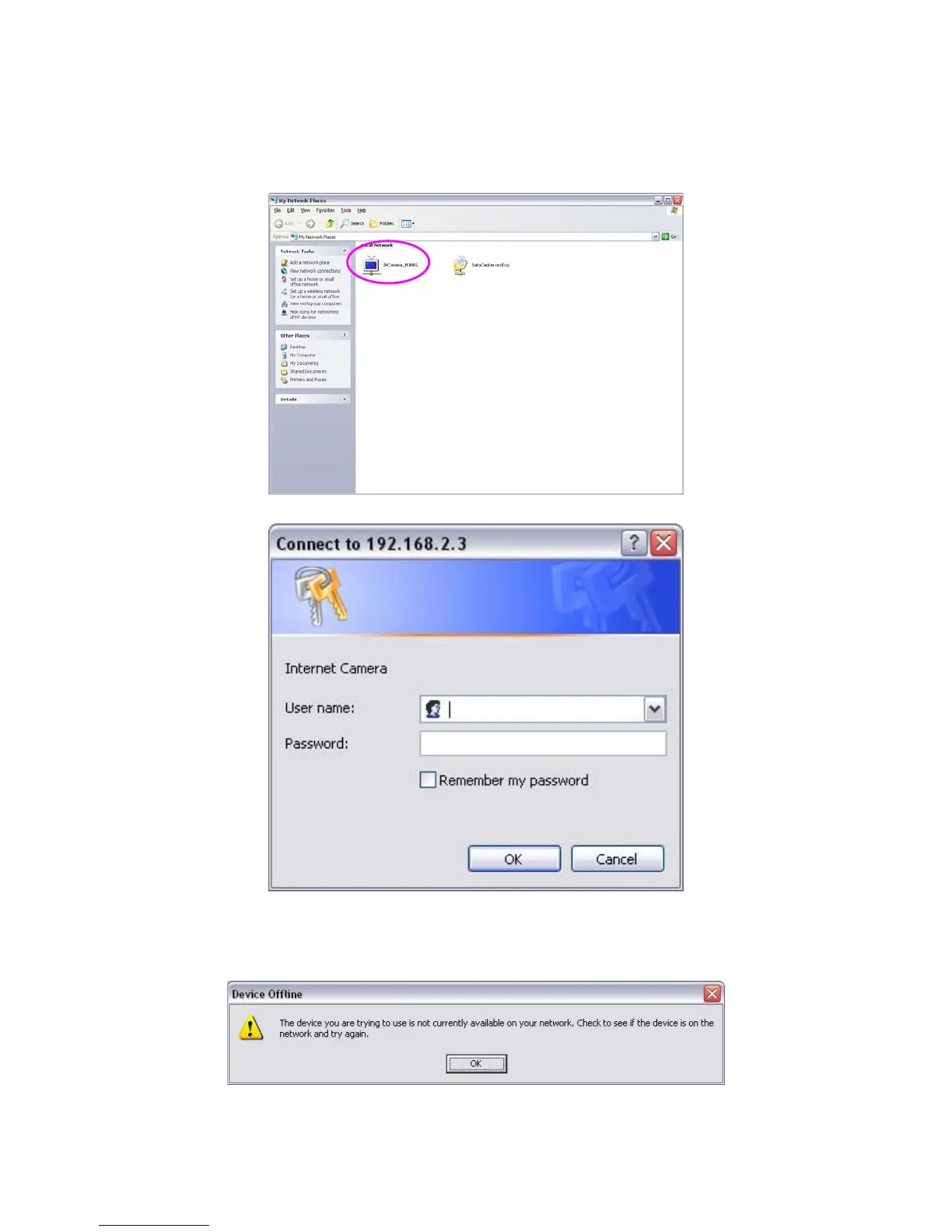
When the UPnP function is enabled, the camera can be detected by UPnP compliant system such as Windows XP. The
camera will be displayed in the Neighborhood of Windows XP, so you can directly double click the camera or right click
the camera and select “Invoke” to view the video through web browser.
Enable UPnP in Windows XP SP2
If you can’t find the camera in the Neighborhood of Windows XP SP2 or you have seen the following message when you
double click the camera. You have to check if UPnP function is blocked by the firewall. Please follow the steps below to
enable it.
1. Go to “Start\Settings\Network Connections”.
2. Right click the “Local Area Connection” and select “Properties”.
3. In the “Local Area Connection Properties”, select “Advanced” option menu and click “Settings”.



 To Next Page