105
6-8 PTZ
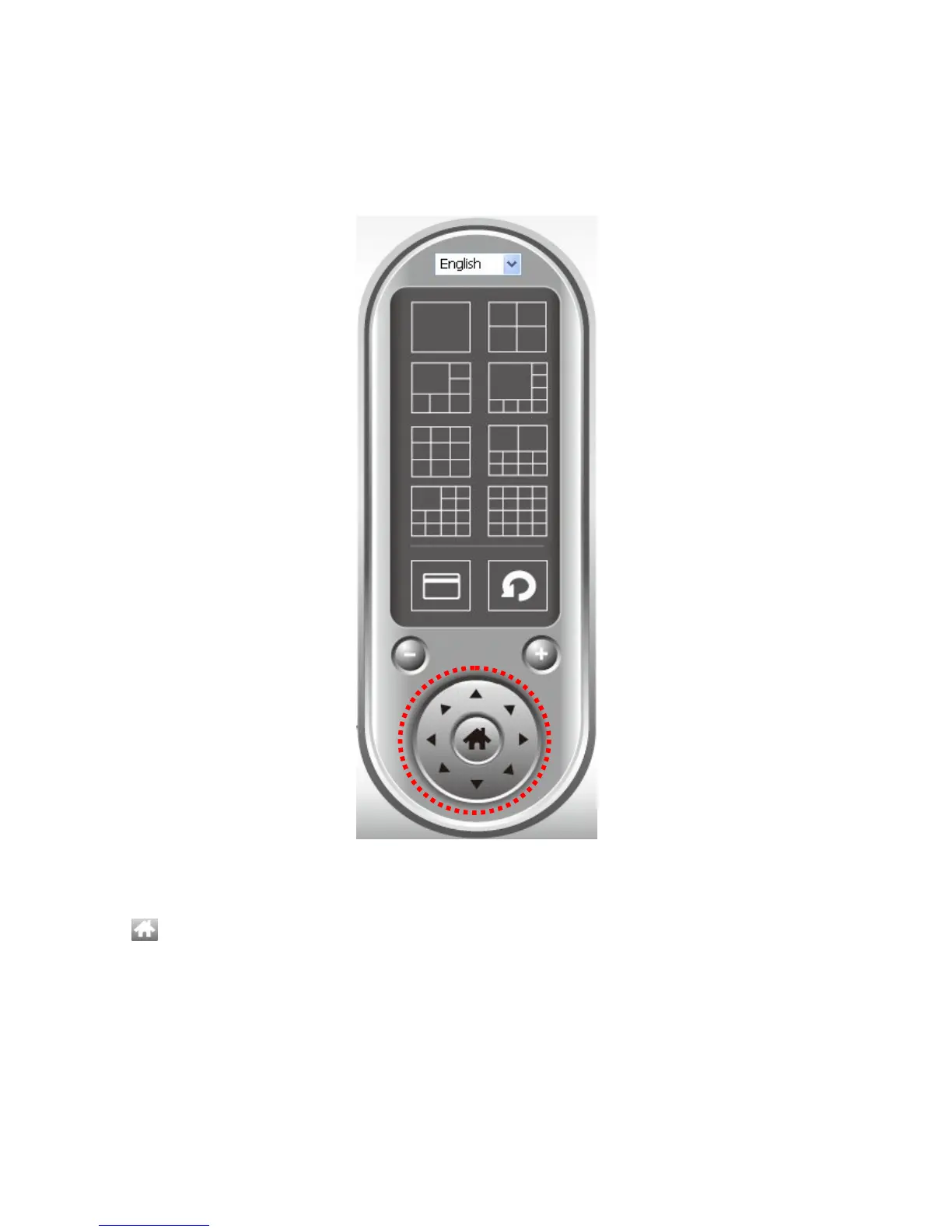
For cameras that support pan - tilt function, you can change the position that camera points
to, to see different places that fall in the scope of camera’s view.
Please select a camera in video displaying area by clicking on its image, and then click the
directions you wish the camera to move to (total 8 directions available). Click ‘Home’ button
( ) to return to camera’s home (default) position.



 To Next Page