17
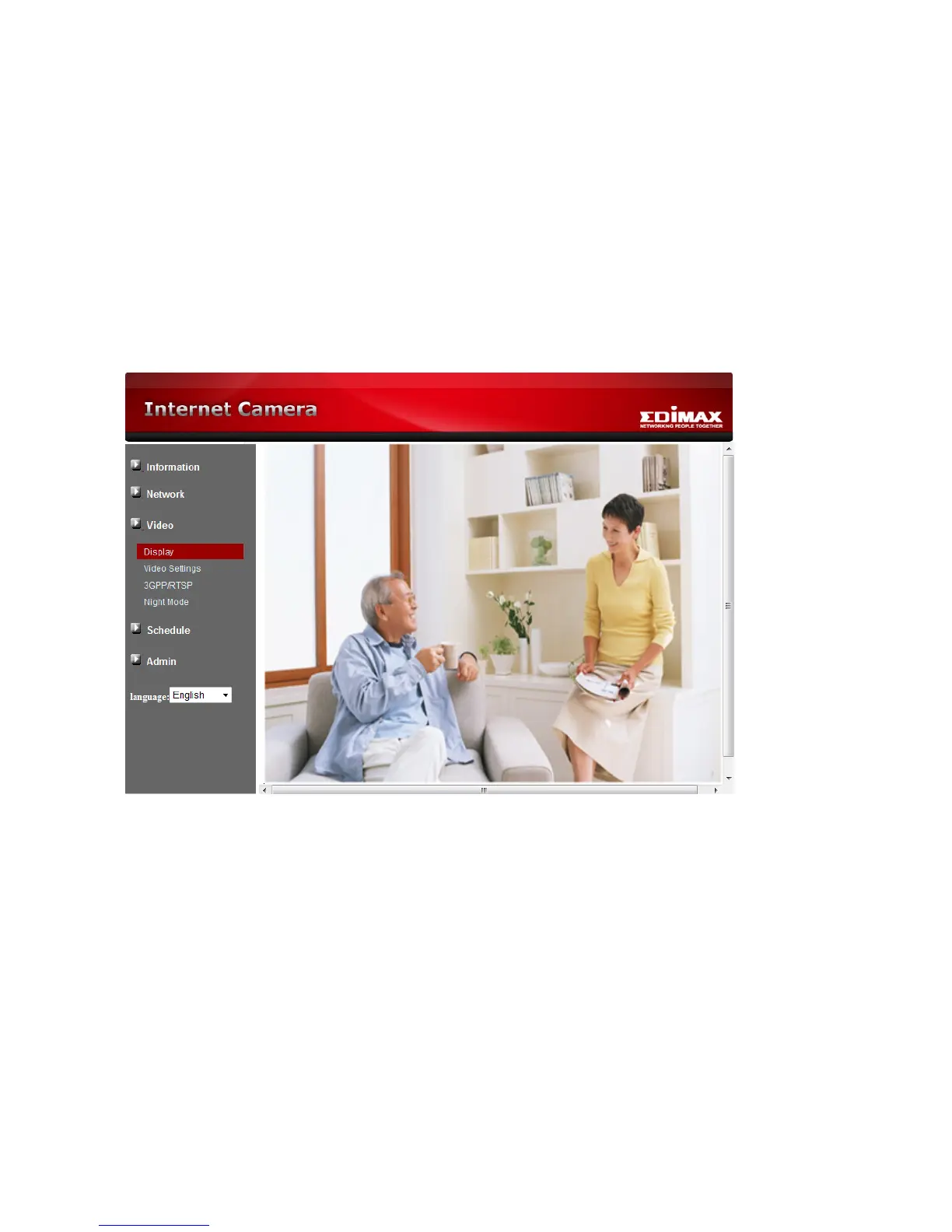
3-2 Video Display
This display page allows you to view the video display of the IP camera. For the first time
use of this display on a computer, an activeX component will be automatically downloaded
into the browser. This could take some time, depends on the internet speed. The
component is downloaded from a public domain, so that the computer must be connected
to the Internet.
If you want to modify the video display screen size, please refer to section 3-7 for more
details.



 To Next Page