15
Chapter III Start Using Web Configuration Page
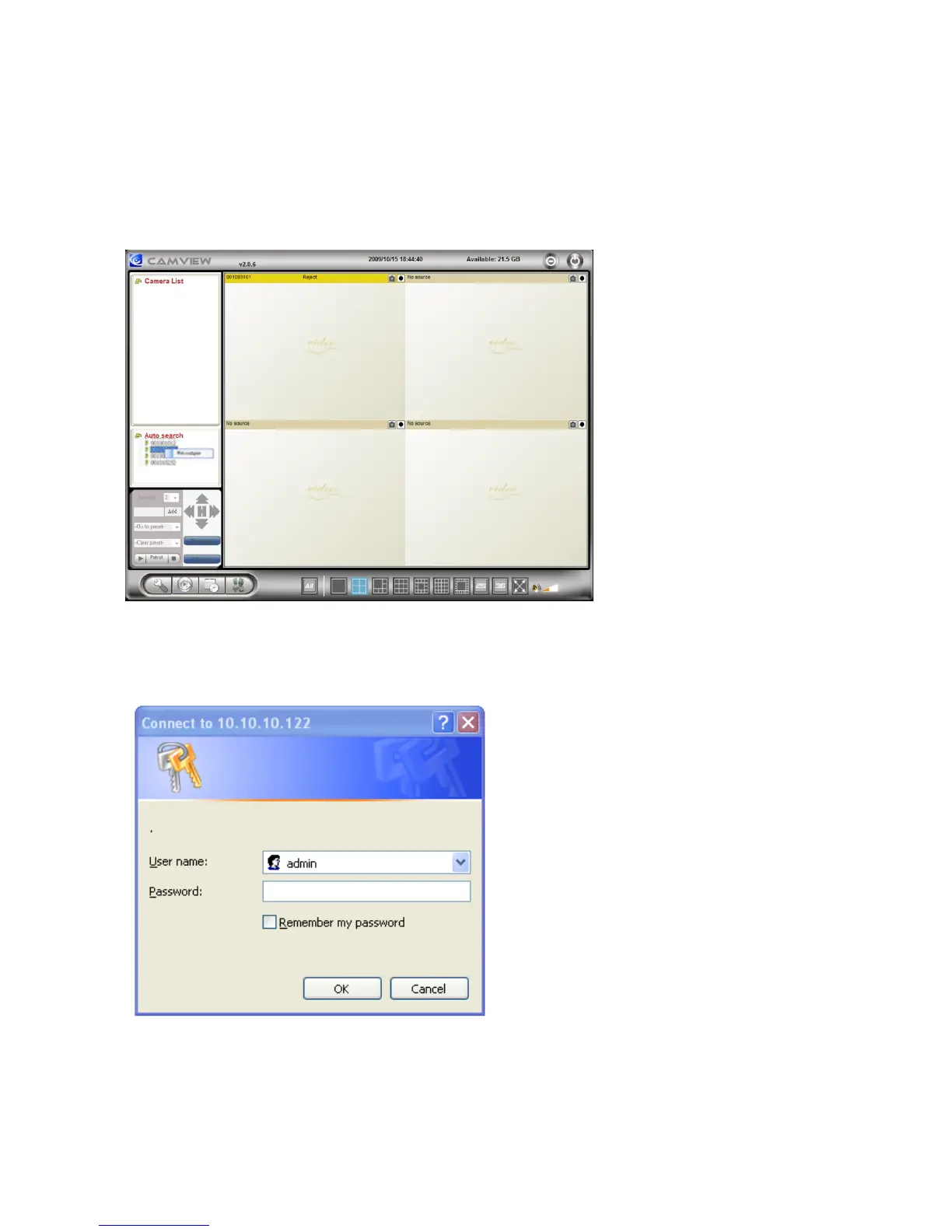
You can login into the web configuration page by directly key-in the IP address of the IP
CAM or right-click the searched IP CAM in the “Auto Search”15list of the CamView software
and click the “Web Configure” to open the login window of the IP CAM.
The default login account is “admin”, leave the Password field empty.



 To Next Page