12
1-5-2 Software Installation
1. Before installing CamView software on your PC or laptop, please make sure you have
correctly installed the IC-9000. It’s highly recommended to close other Windows
applications to prevent the installation from any possbile confliction.
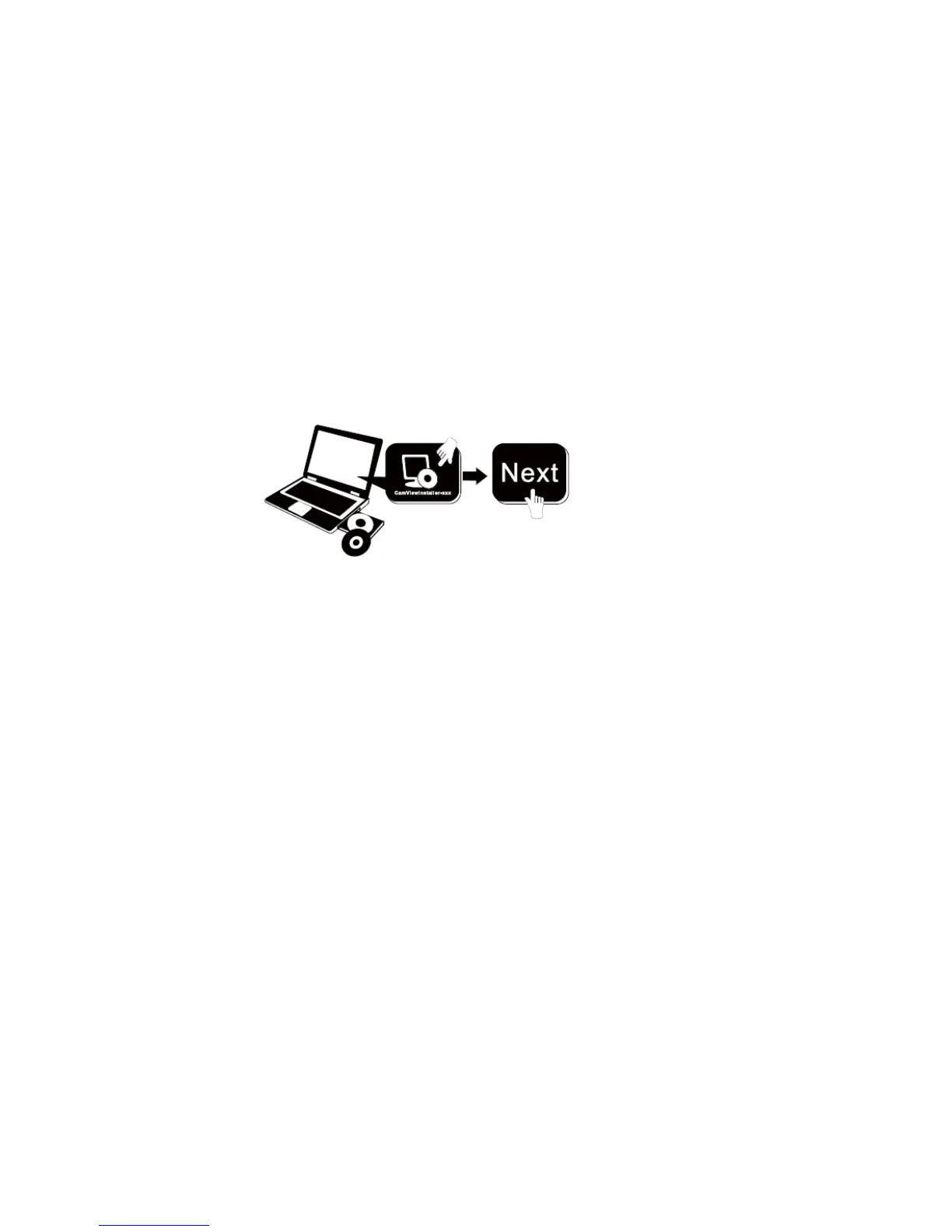
2. Please insert the installation CD into the CD-ROM drive in your notebook or personal
computer (must be running Microsoft Windows OS).
3. Execute the program CamView on the disk. The program will pop-up some windows
about the installation options, please press the “Next”12 button to proceed with the
installation.
4. After the installation is complete, there will be a CamView icon
on the desktop of your computer screen, please execute this icon. The CamView
program will run immediately.



 To Next Page