68
4-5-4 Language
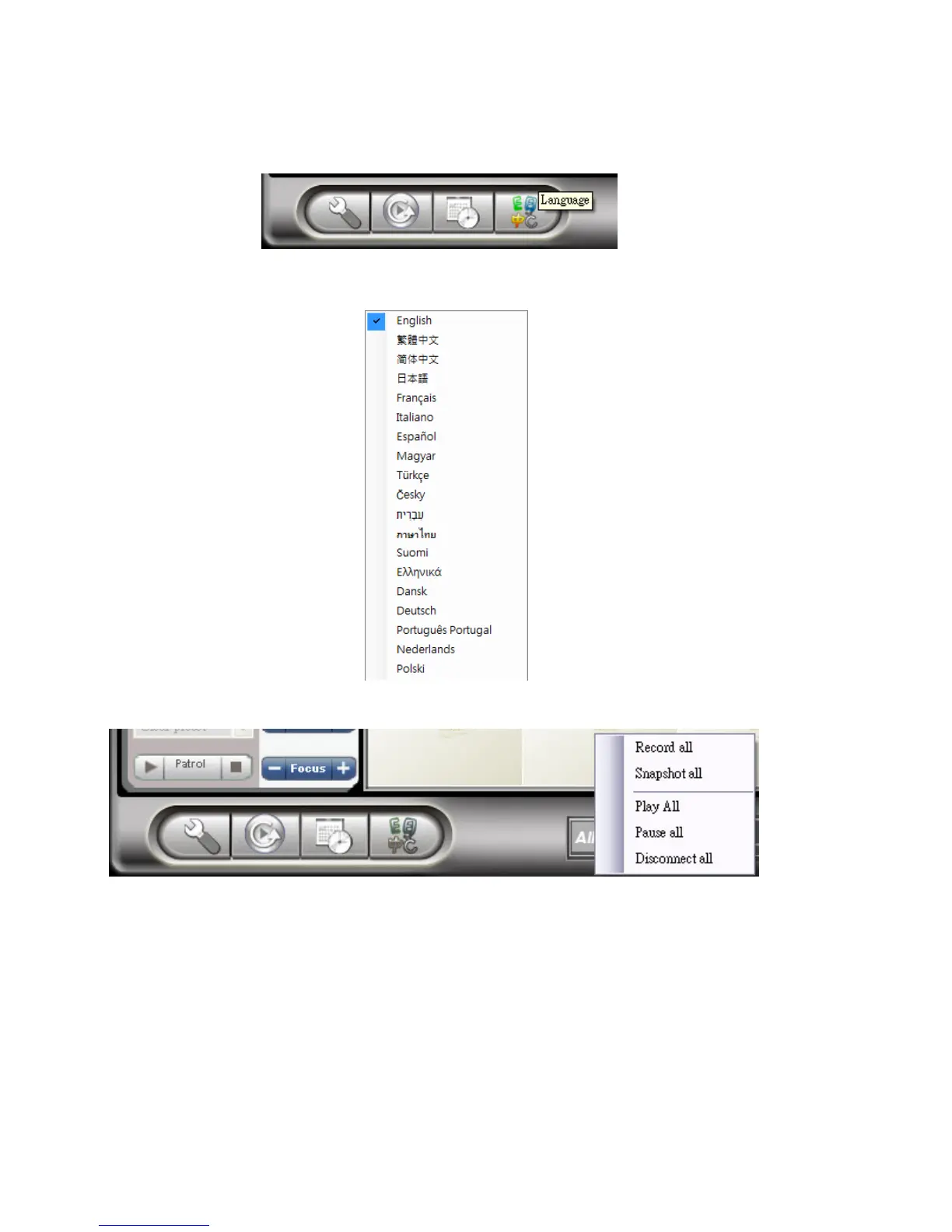
Click Language button to change the language settings.
Right now, CamView supports 19 languages shown as following picture:
4-5-5 All Functions
Any of following functions applies to all the channels in current layout only
Record all: start/enable recording.
Snapshot all: Take snapshot.
Play all: Start playing.
Pause all: Pause.
Disconnect all: Stop playing.



 To Next Page