65
4-5-2 CamPlay
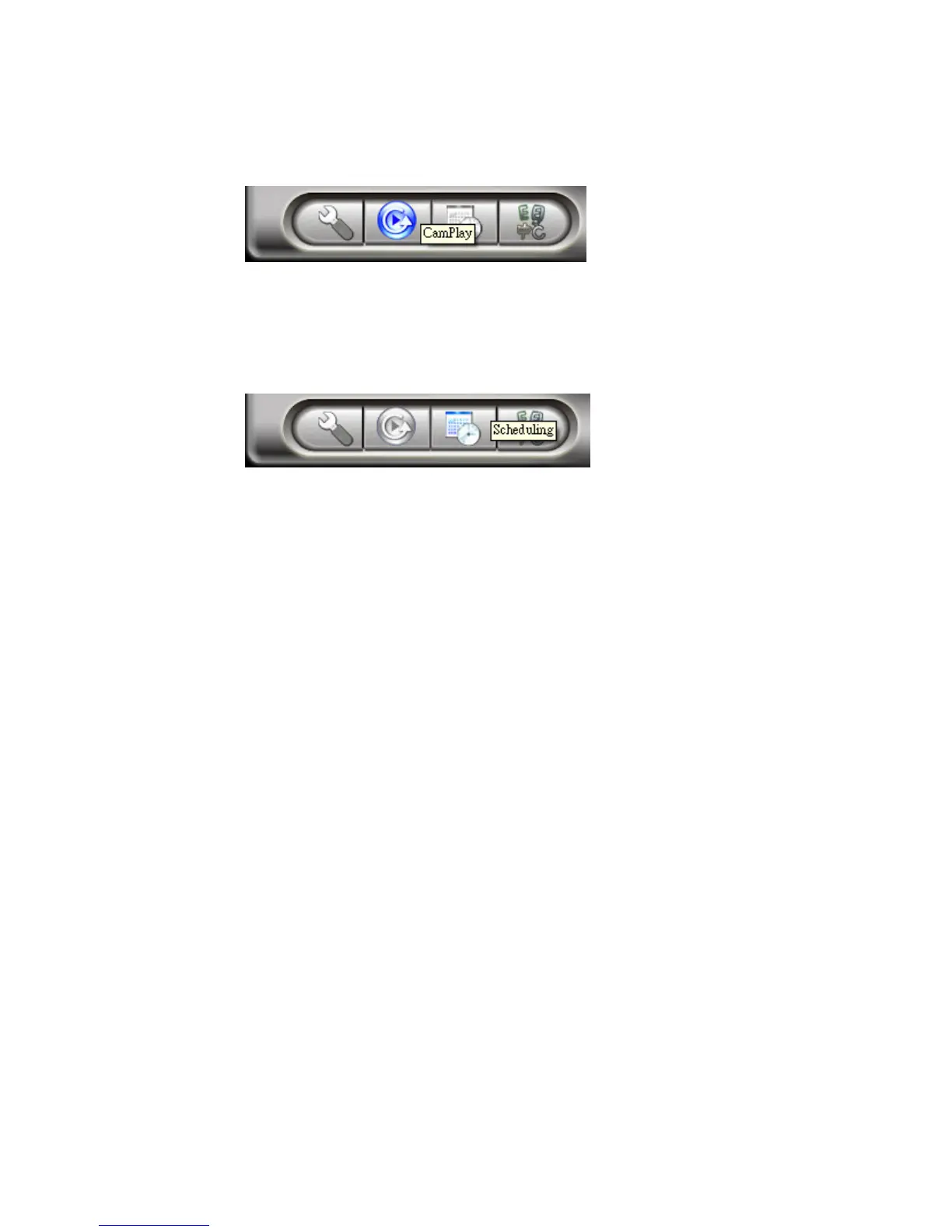
Click CamPlay to start it for playback.
4-5-3 Scheduling
Click Scheduling to configure scheduled recording/playing.
Schedule the time for each channel to be used and recorded by certain camera
Camera: The information of the camera to be connected. You can either double click on
one of the listed cameras or drag the camera off the Camera field to import the settings. Of
course, manually key in the Name, CamID and password is fine as well.
Mode: There are 3 modes available to choose from:
1. Play Only: Live view only, no recording.
2. Continuous recording: Keep recording 24/7 in between the date you set for start and stop
3. Periodic recording: Recording the period of time in a day you set.



 To Next Page