29
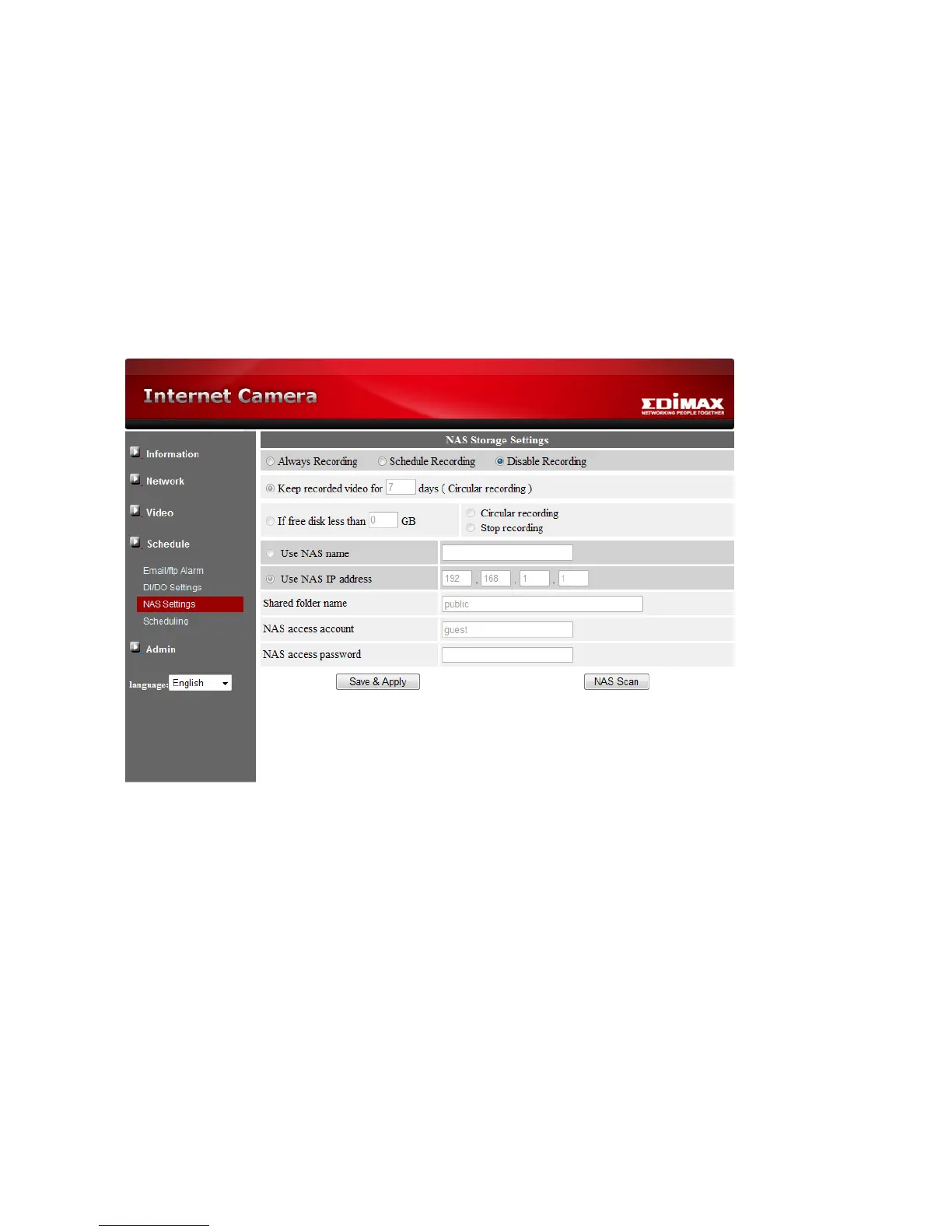
In the Microsoft Windows environment, you can access to the NAS device by keying the
URL address \\”NAS name”\”shared folder name” or \\”NAS IP address”\”shared folder
name” in the windows Internet Explorer, and then key in the “NAS access account” and
“NAS access password” to the prompted login window. The video files are recorded under
the subfolder IPCamRecordFiles/Recording/ID-ID, where ID is the ID of this IP camera. All
the recorded files are with the name of hhmmss.crf format, where hh is the hour, mm is the
minute, ss is the second of the starting time of the recording video. The files are segmented
every five minutes. Users can use the free bundled CamPlay software to play back the
video files.



 To Next Page