79
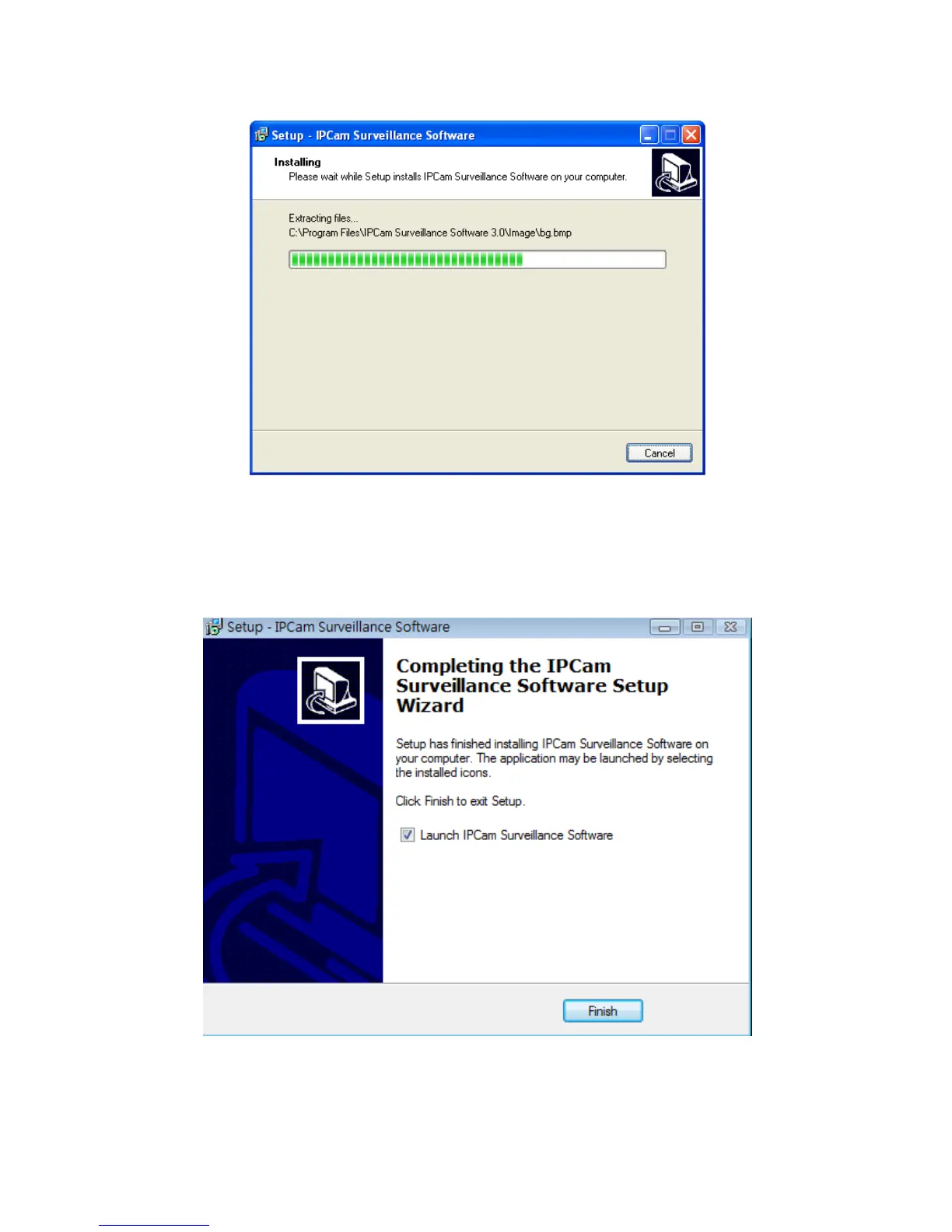
5. The installing procedure will take some time, please be patient.
6. When you see this window, it means the software installing procedure is complete.
Please click ‘Finish’ to finish the procedure (IP camera surveillance software will start after
you click ‘Finish’ button, if you want to start it later, uncheck ‘Launch IPCam Surveillance
Software’ box).



 To Next Page