DCP 350 User Manual
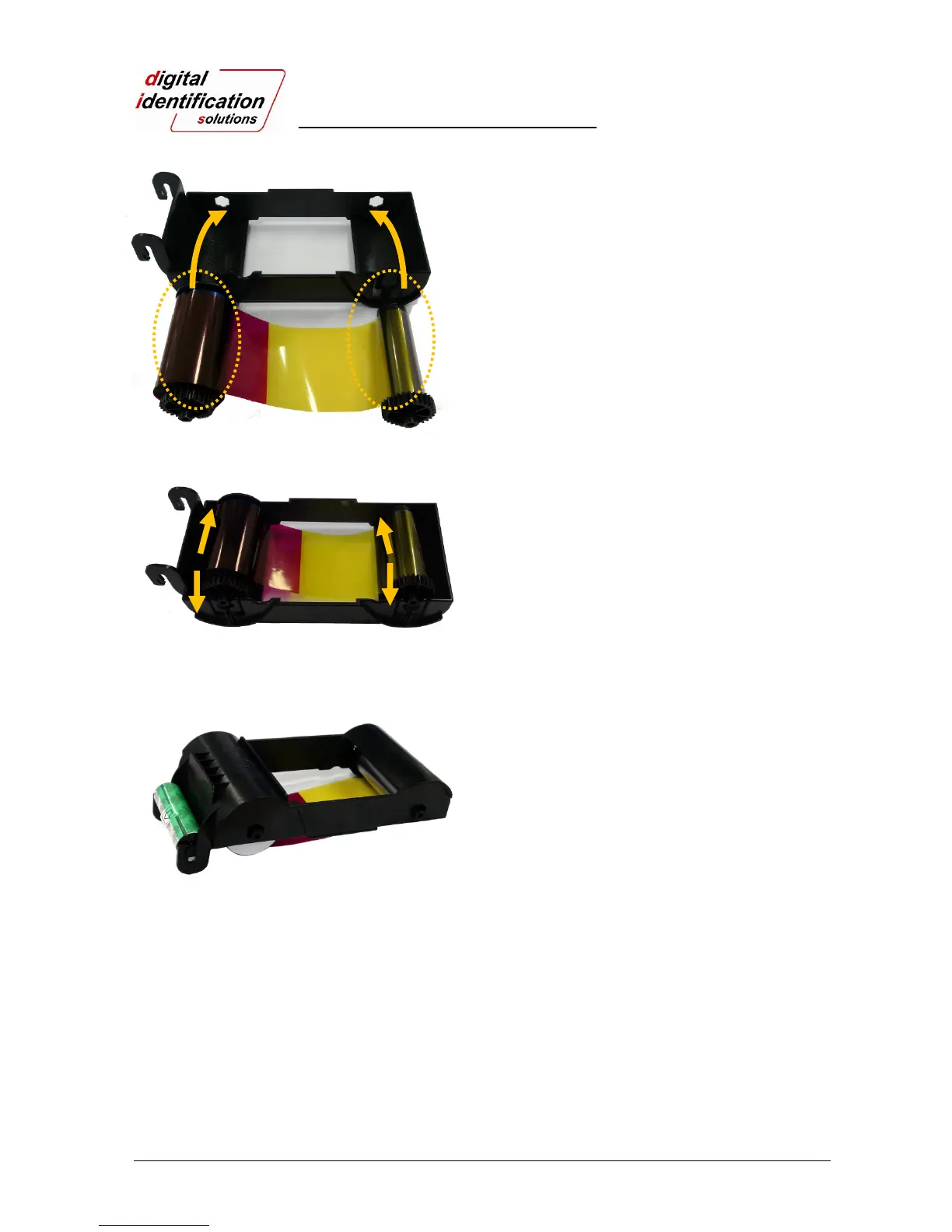
Pic.9 Loading the ribbon 1
2.1.4.
Install a ribbon into the ribbon cartridge as shown
left on Pic. 9.
Pic.10 Loading the ribbon 2
2.1.5.
Insert the supply side of the ribbon to no.1 hole
and press the opposite (No.2). Insert the take-up
side of the ribbon same method to No.3 and No.4.
After inserting, tighten the ribbon.
(Caution! If the ribbon is not tightened, a rolling up
error might be happened.)
Pic.11 Installing the cleaning roller
2.1.6.
Install the disposable cleaning roller to the
ribbon cartridge.
①
②
③
④



 To Next Page