DCP 350
Non-standard cards or bad cards.
Change the cards. You can use only ISO CR-80 card (54mm x 86mm).
The transfer roller or the printing roller is contaminated with the dust and dirt
Remove the dust and dirt with the cleaning kit as section 6.1
Wrong printing position setting.
Please contact the local supplier
When operating temperature and humidity is out of the acceptable operating limit of the
printer.
Adjust the operating environment of the printer.
6.3.3 An Error occurs while the card is being transferred.
First of all, check the Error message at LCD display. Open the top cover and remove the card by LED buttons.
If this problem occurs frequently, check the followings.
Non-standard cards or bad cards.
Change the cards. You can use only ISO CR-80 card (54mm x 86mm).
Printer setting is changed or is not proper.
Please contact the local supplier.
The transfer roller or the printing roller is contaminated with the dust and dirt.
Remove the dust and dirt with the cleaning kit shown in section 6.1.
The card surface is contaminated with the dust and dirt.
Check the card surface and remove the dust and dirt and try again. If this problem occurs again,
retry with new card.
6.4 Printing quality
6.4.1 Not printed or wrong colors printed spot.
The card surface is contaminated with dust and
dirt.
After checking the card, change it to another card.
The cleaning roller is contaminated with dust
and dirt.
Check the cleaning roller. If there is much dust,
change the cleaning roller to the new one.
Much dust in the printer.
Clean the inside of the printer with the cleaning kit.
6.4.2 Not printed horizontal line.
The ribbon cartridge is installed improperly.
Check the ribbon cartridge installation state and
whether the ribbon has wrinkles.
The printer head is contaminated with dust and
dirt.
Clean the printer head with cleaning kit.
The printer head is damaged.
Please contact the local supplier to replace the
printer head.
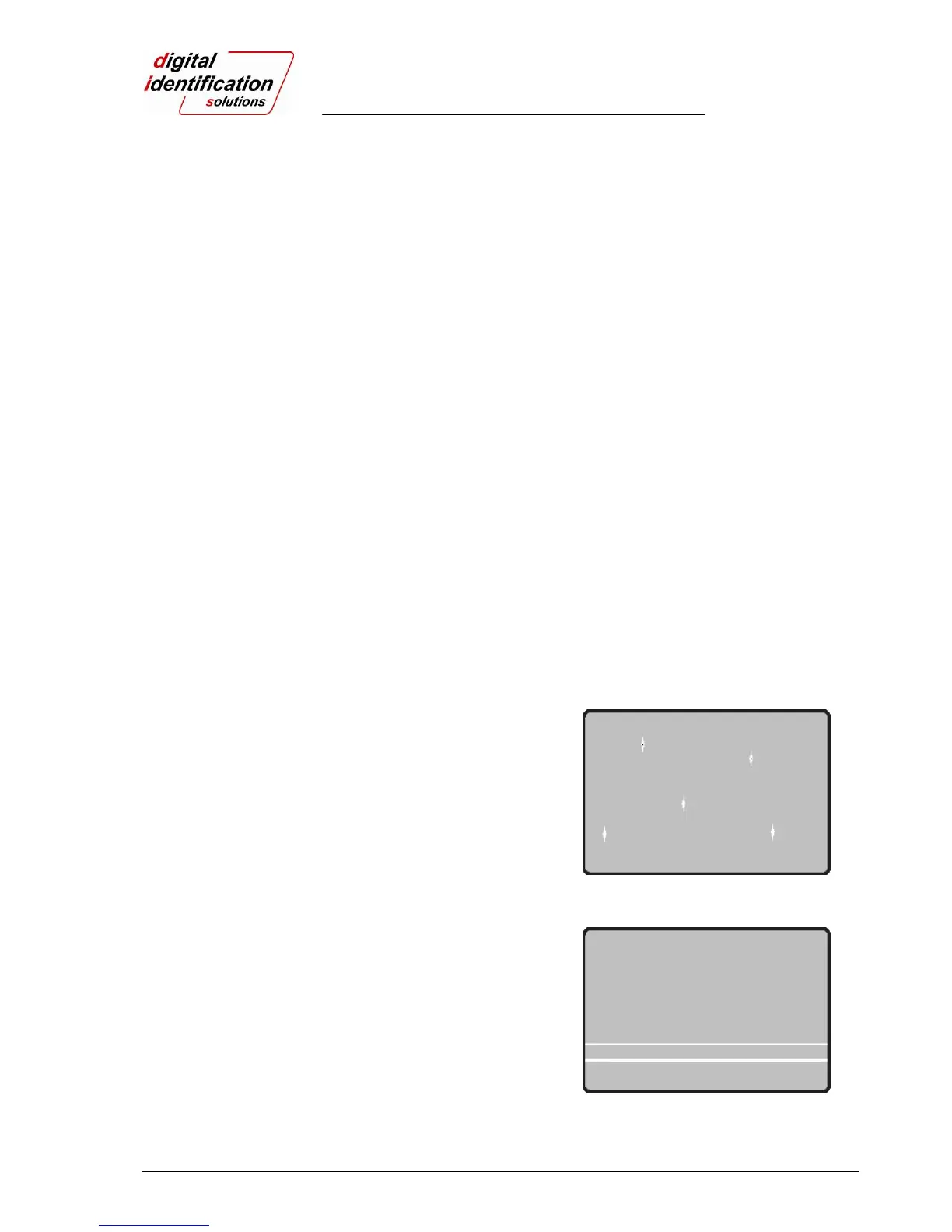
Pic.108 Printing quality trouble 1
Pic.109 Printing quality trouble 2



 To Next Page