DCP 350
6.4.3 Unclear or not uniform print.
Uneven or bad card surface.
Change the card.
Too high or low setting of the color density.
Please contact the local supplier. The color density
default of your printer needs to be changed.
The printer head is contaminated with dust and
dirt.
Clean the printer head with cleaning kit.
6.4.4 Not aligned color print.
Non-standard cards or bad cards.
Change the cards. You can use only ISO CR-80
card (54mm x 86mm).
Uneven or bad card surface.
Change the card.
The transfer roller or printing roller is
contaminated with dust and dirt.
Clean the rollers with the cleaning kit as section 6.1.
Worn-out printer.
Please contact the local supplier.
6.4.5 Unplanned color print.
Non-standard cards or bad cards.
Change the cards. You can use only ISO CR-80 card
(54mm x 86mm).
Uneven or bad card surface.
Change the card.
The transfer roller or printing roller is
contaminated with dust and dirt.
Clean the rollers with the cleaning kit as section 6.1.
Worn-out printer.
Please contact the local supplier.
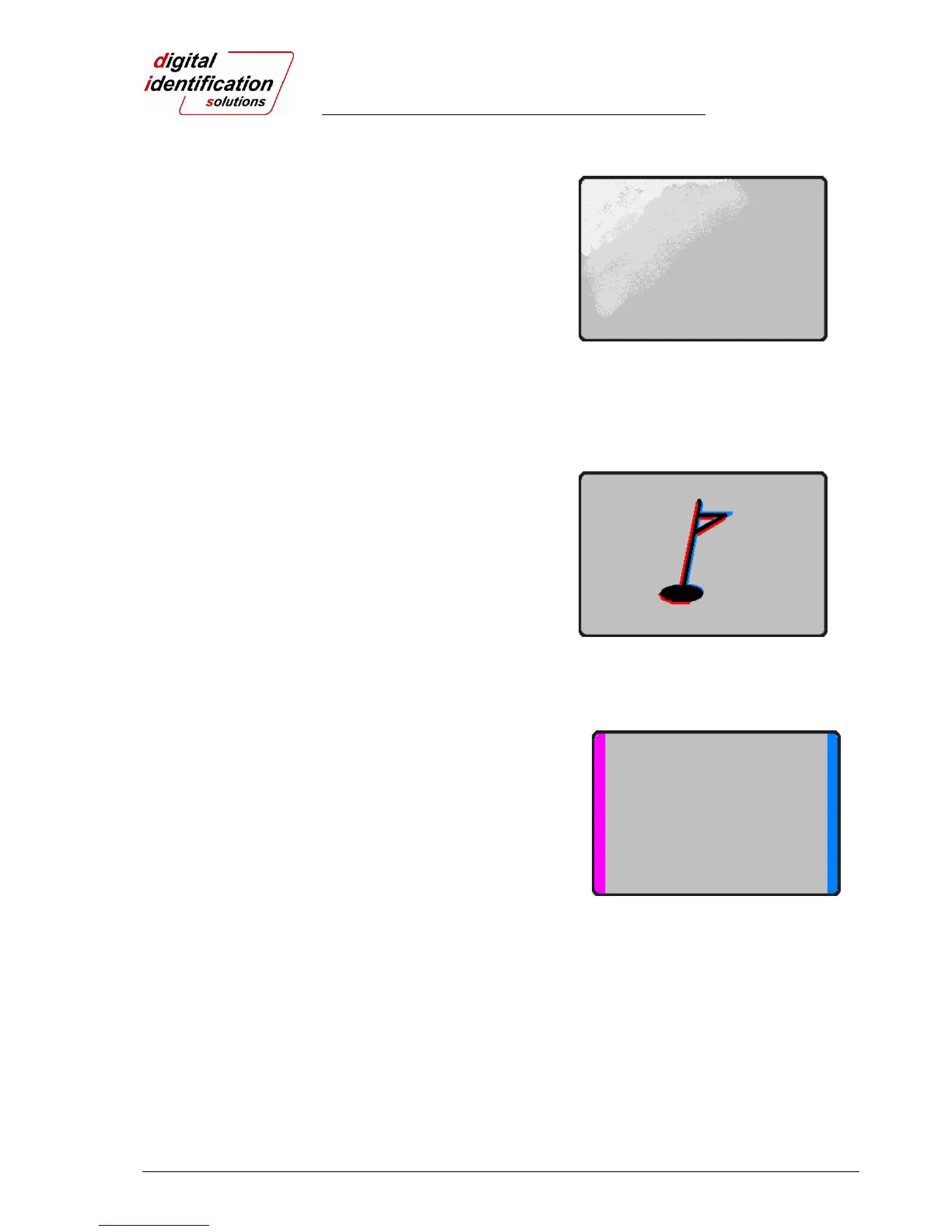
Pic.110 Printing quality trouble 3
Pic.111 Printing quality trouble 4
Pic.112 Printing quality trouble 5



 To Next Page