DCP 350 User Manual
2.5 Network configuration
2.5.1 Connecting network port
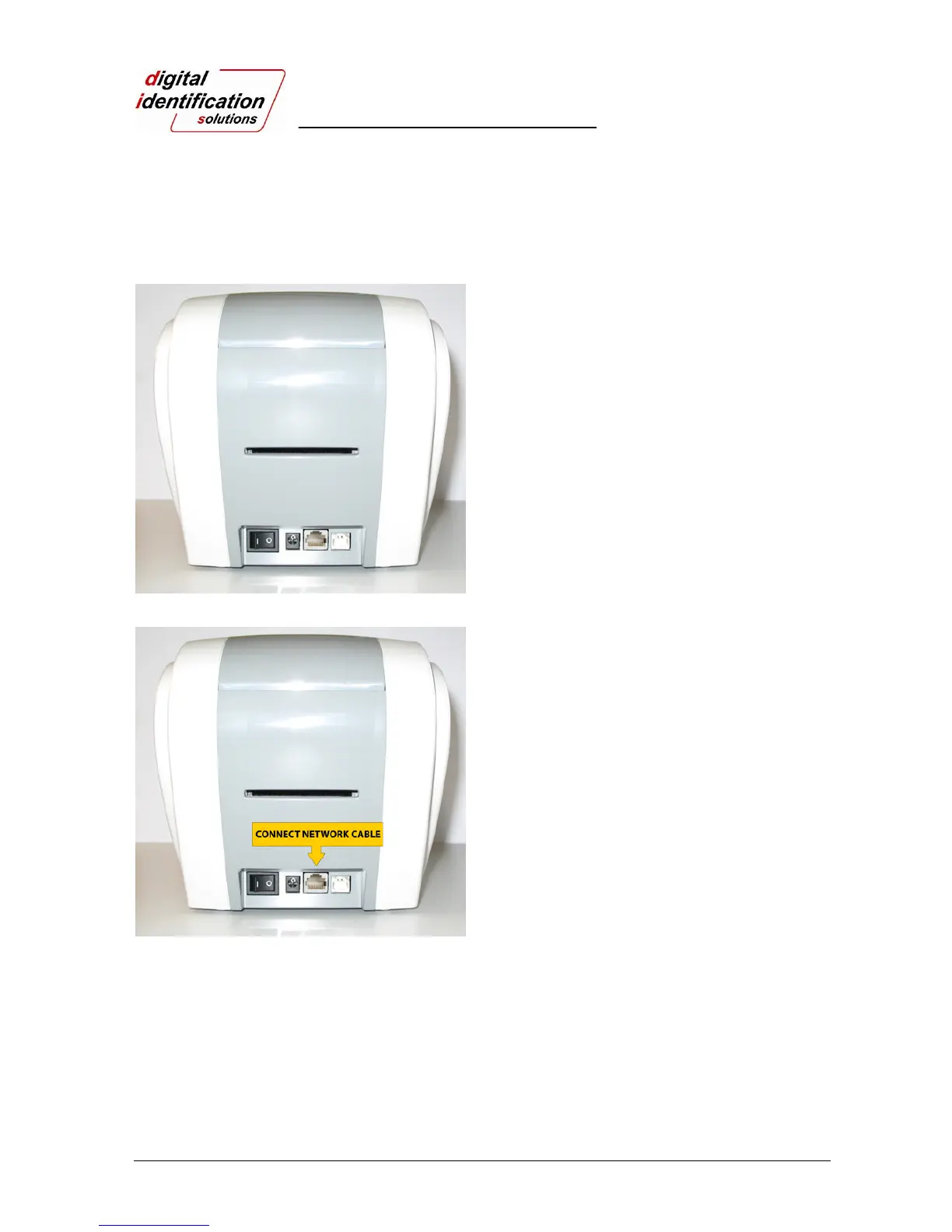
Pic.47 Rear view of EDIsecure
®
DCP 350 printer
The printer which is installed with network option has a
port for network connection as shown in the Pic.47 -
③.
① Power Switch
② Power Supply Connector
③ Network Port
④ USB Port
Pic.48 Rear view of DCP 350 printer
Please connect network cable (RJ45) to the printer.
(Network cable is not supplied. Please ask network
administrator for more questions.)
① ②③ ④



 To Next Page