DCP 350
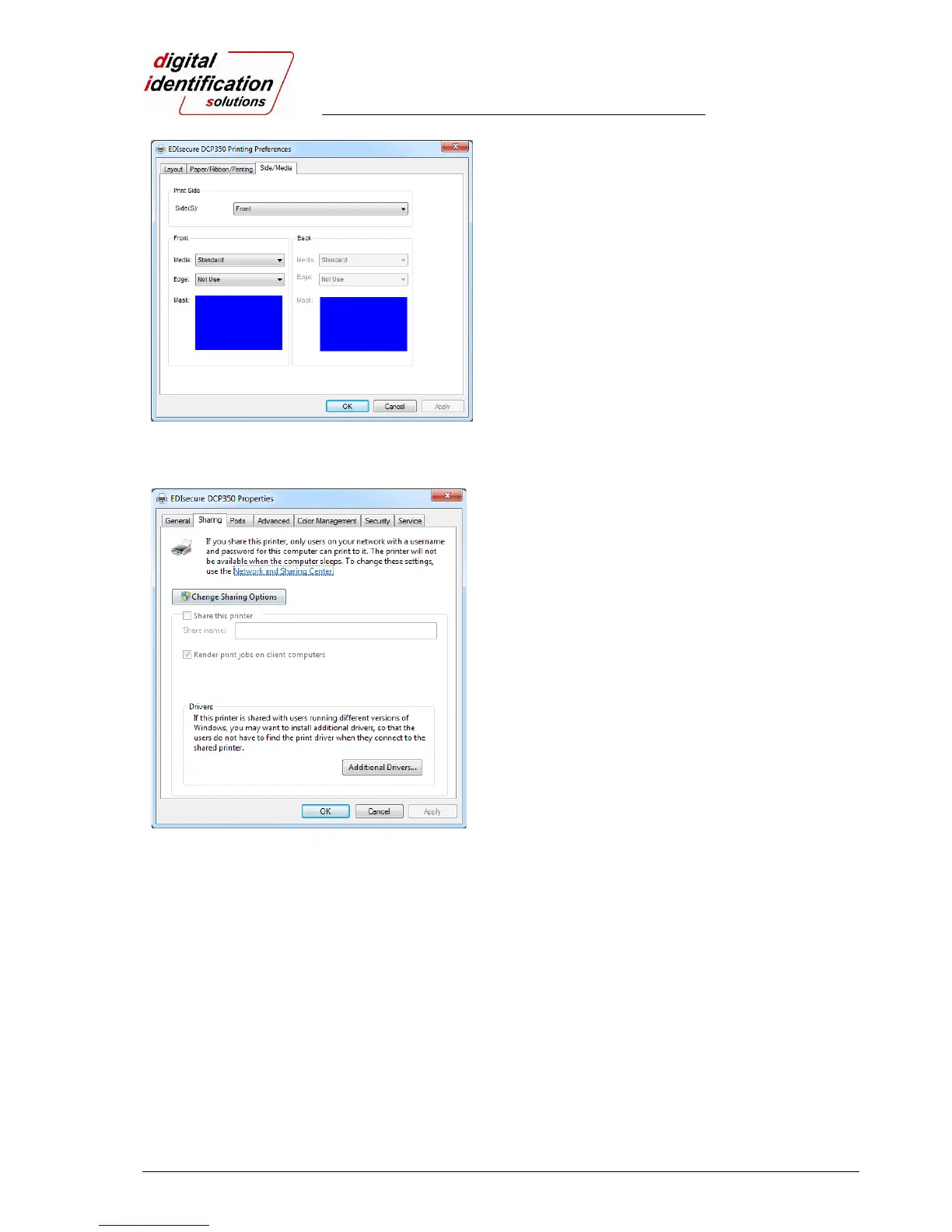
Pic.68 Side / Media
3.2.1.4. Side / Media
To set printing side and printing mask.
- Print Side
You can select one side printing or both sides printing
(It is possible only when you have a flipper.)
- Front / Back
You can use a predefined mask or user defined mask
(white card, smartcard, Magnetic stripe card, etc.) on
front or back side.
You can define a mask. User defined mask uses
BITMAP file (1012 X 633 pixels).
Blue (RGB(0,0,255)): Print and Overlay
Pink (RGB(255,0,255)): Print only
Black (RGB(0,0,0)): Print, Overlay and Florescent
3.3. Other settings
Pic.69 Printer sharing
3.3.1. Sharing
You can share a printer with Sharing tab via Network.
Default is “Not sharing”



 To Next Page