DCP 350
5 Optional device driver installation
You can install the optional devices that encode contact smartcard or contactless smartcard on your
EDIsecure
®
DCP 350 printer. You should also install the smart card reader drivers.
5.1 Contact smartcard reader
In the EDIsecure
®
DCP 350 printer, you can install the two types of optional devices which are contact
smartcard reader and mobile SIM smartcard reader. If you have one or more smartcard reader devices on
your printer, you should install the smartcard device driver as described in the following, and connect
EDIsecure
®
DCP 350 printer to your PC.
5.1.1 Run the smartcard driver installer
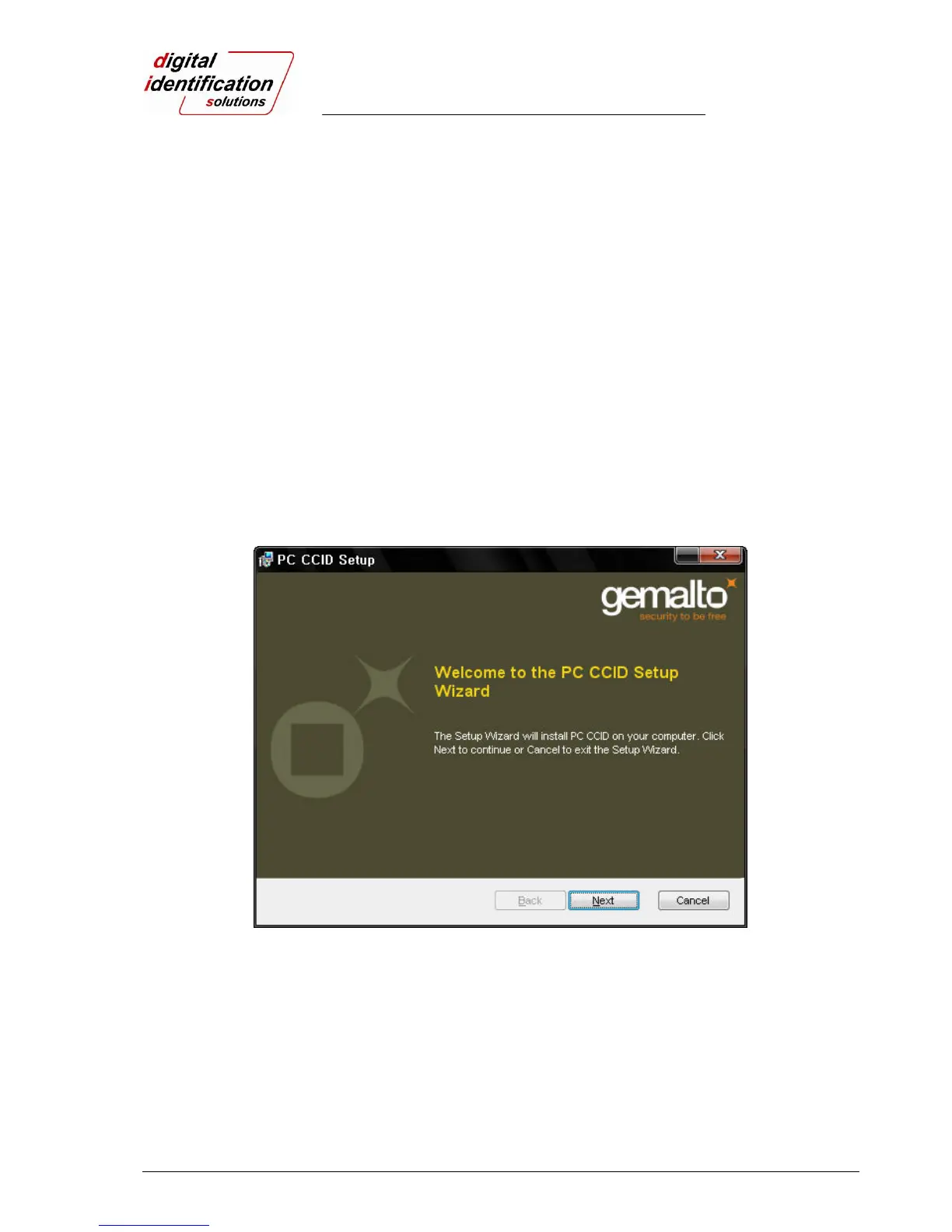
Insert the smartcard installation CD and go to the “\Options\Gemalto PC Twin” directory on your CD. Find the
right directory of your installed OS version on your PC, and run the installer. You can see the smartcard
reader driver installation window as shown in Pic.114. And click “Next”.
Pic.88 Contact smartcard reader driver installation



 To Next Page