DCP 350
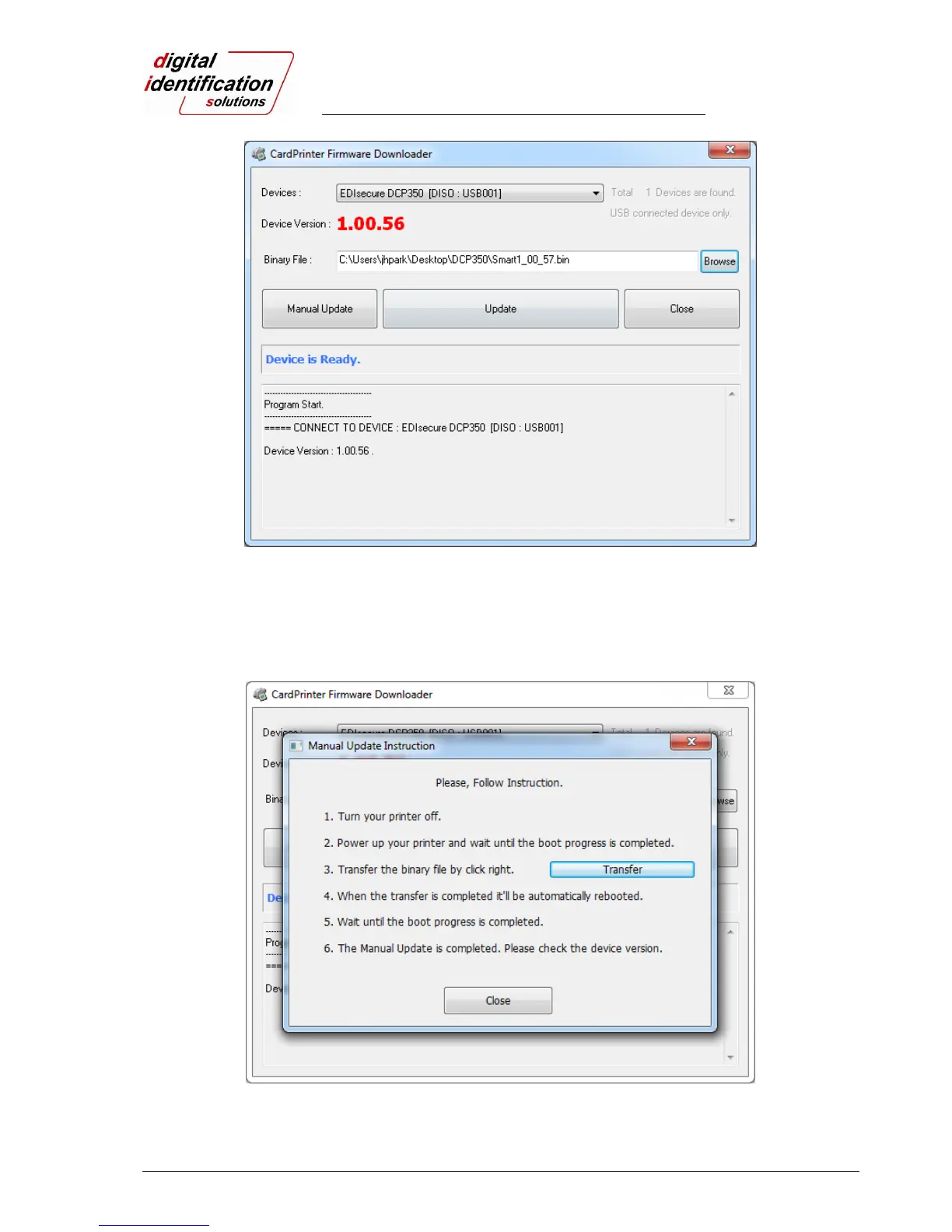
Pic.86 Upgrading the printer firmware 2
In case there are some problems in the automatic upgrade, you click “Manual Update” and can see the pop-
up widow as shown in Pic.87. It shows the procedure to manual upgrade. You can upgrade manually
according to this procedure.
Pic.87 Manual upgrading the printer firmware



 To Next Page