DCP 350
6 Troubleshooting
6.1 Cleaning the printer
To maintain the best condition of the EDIsecure
®
DCP 350 printer, you must clean the printer periodically. If
you use the exclusive cleaning card as shown in Pic.122, you can clean the printer easily. To purchase the
exclusive cleaning card, ask your EDIsecure
®
DCP 350 printer provider.
Order # Description
DIC10586 Long Sleeve Cleaning (x5)
DIC10587 Cleaning Roller (x10)
DIC10311 Magnetic Head Cleaning Card (x10)
Pic.96 Exclusive cleaning card for EDIsecure
®
DCP 350 printer
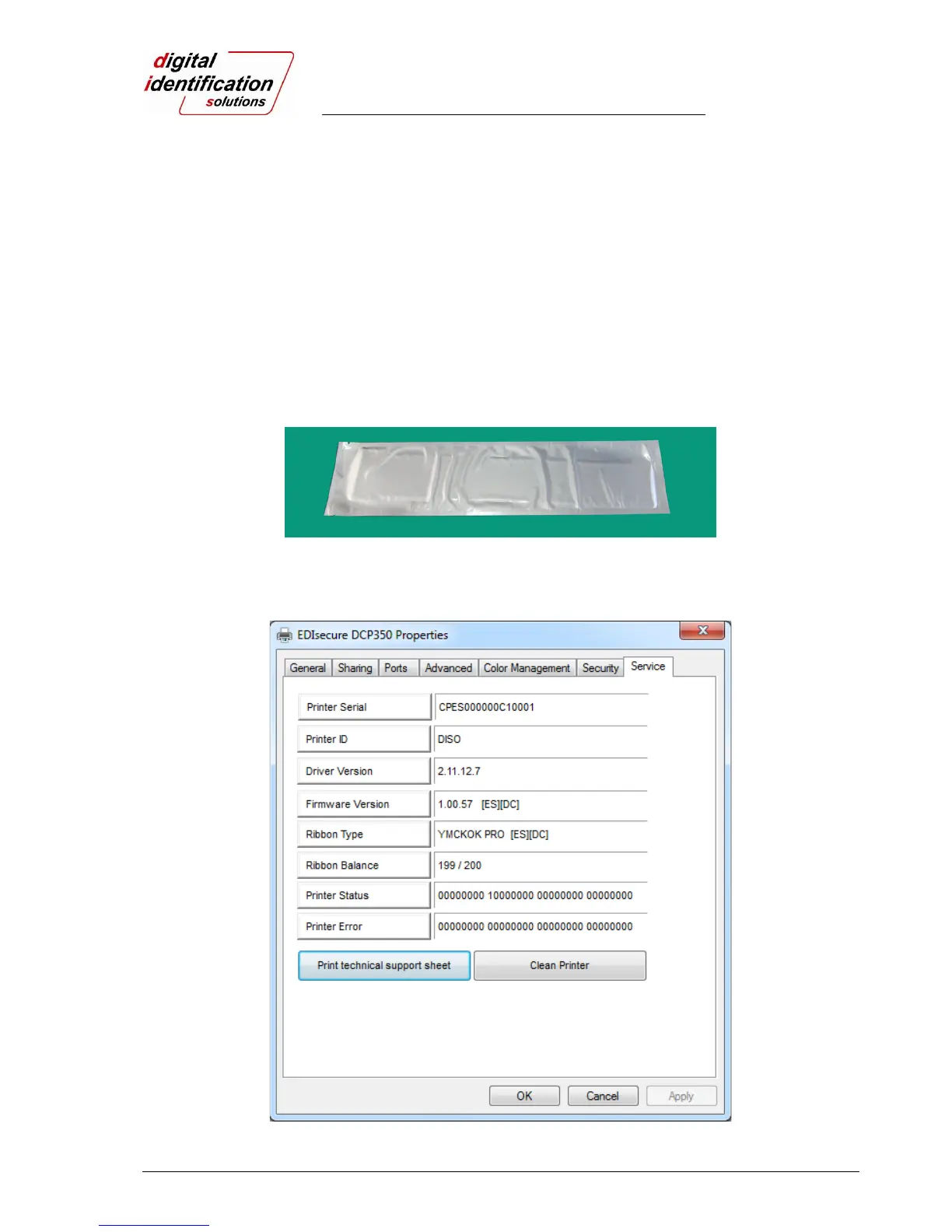
If the exclusive cleaning card is ready, click “Clean Printer” in the service tab of EDIsecure
®
DCP 350 printer
driver as shown on Pic.97. After click, Clean Printer program to clean the printer is run.
Pic.97 Printer cleaning start



 To Next Page