DCP 350 User Manual
2 Printer installation
2.1 Fitting the ribbon
Before printing, prepare the related items such as a card, a ribbon and a cleaning roller. In this section we
invite you to know the proper method of installing the ribbon and the cleaning roller into the printer.
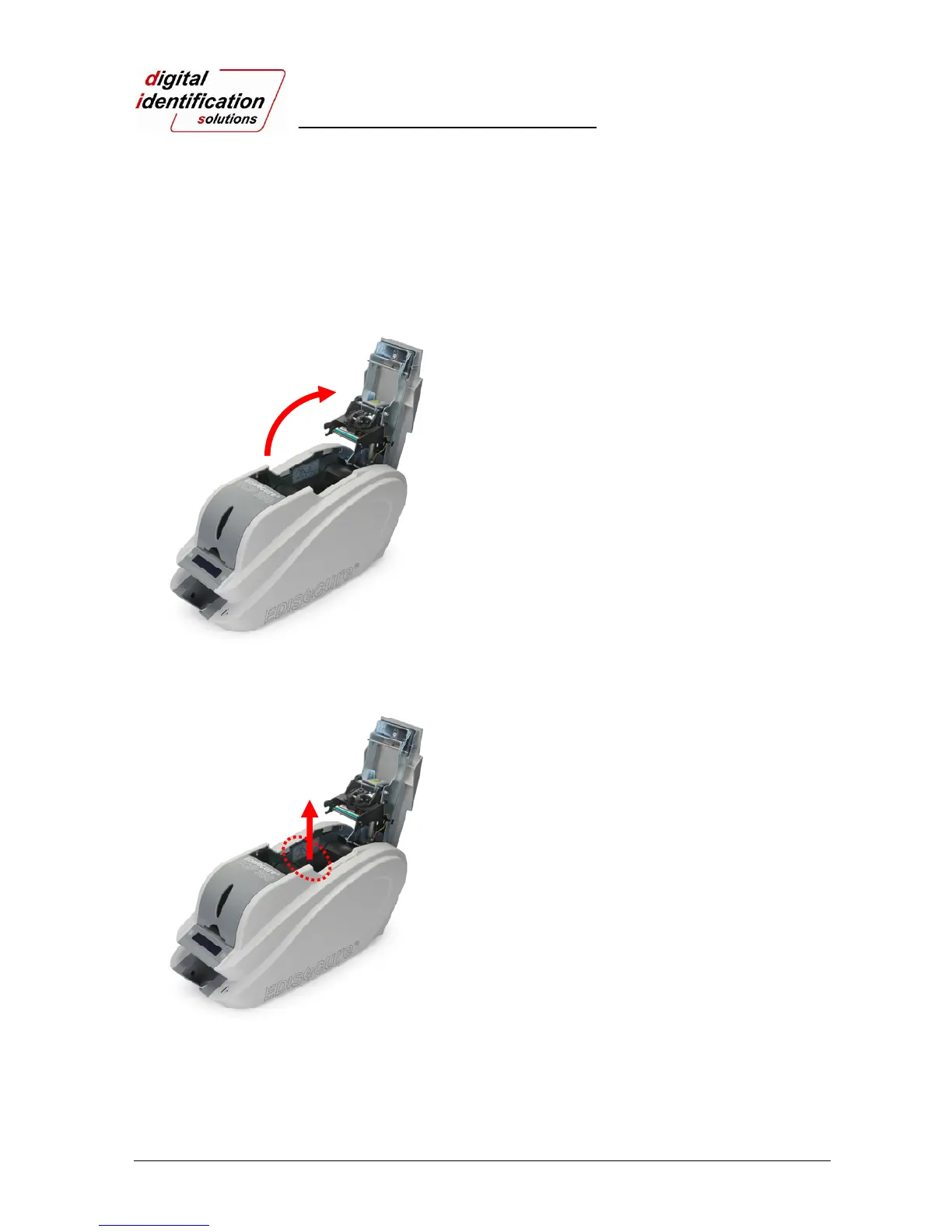
Pic. 7 Top Cover open
2.1.1.
Turn off the printer
2.1.2.
Open the printer top cover by pressing the top
cover open button.
Pic.8 Take out the ribbon cartridge
2.1.3.
Take out the ribbon cartridge.



 To Next Page