DCP 350
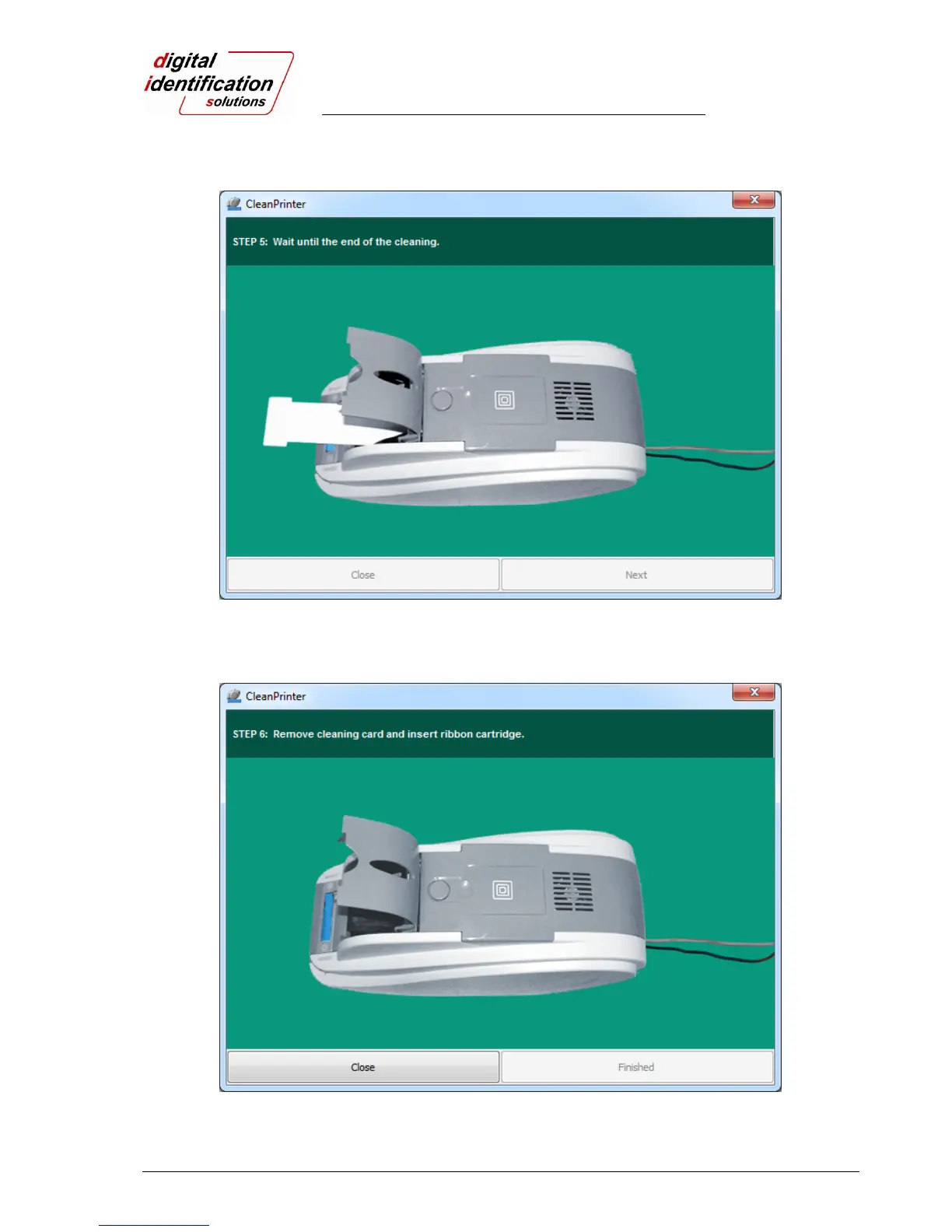
Step 5. Wait until the cleaning is completed. When the cleaning is completed, the exclusive cleaning
card will be ejected automatically as shown in Pic.102.
Pic.102 Printer cleaning Step 5
Step 6. Remove the exclusive cleaning card and install ribbon cartridge into the printer.
Pic.103 Printer cleaning Step 6



 To Next Page