PhaseTrakker AP30 Using the Field Unit
23
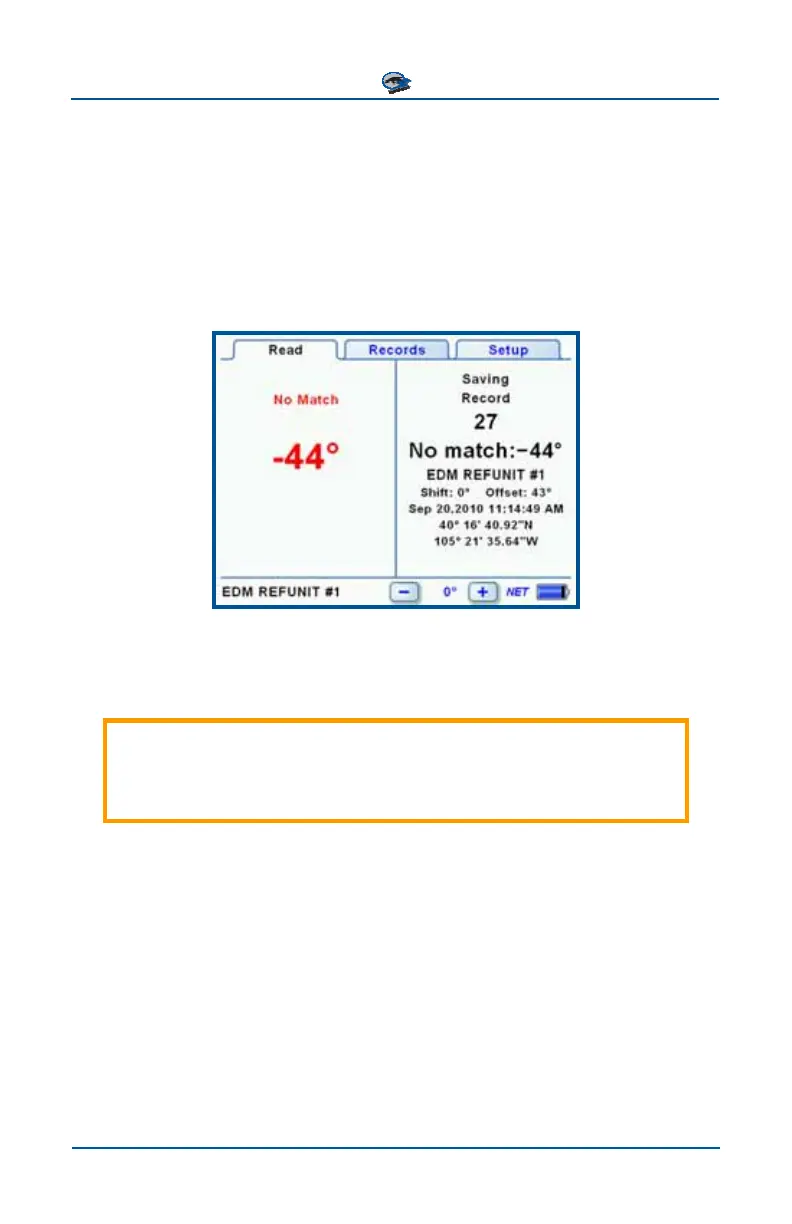
“No Match” Readings
For each phase measurement, the Field Unit compares the measured angle to the
three configured phase angles and attempts to assign a phase label. A config-
ured Degree Tolerance is used to determine whether a measurement can be as-
signed to a phase angle. The Field Unit reports a “No Match” reading when the
difference between the measured phase angle and the nearest phase angle ex-
ceeds the configured Degree Tolerance. The default Degree Tolerance is 25°
and can be changed using the PhaseTrakker Utility.
A “No Match” reading can sometimes be resolved by adjusting the Phase Shift
setting (see next section). For more information on handling “No Match” read-
ings, refer to the section Phase Measurement Tips.
For “No Match” readings, it is important to notice the phase angle
reported. “No Match” phase angles can provide clues to understand
the situation and take the appropriate action.



 To Next Page