PhaseTrakker AP30 PhaseTrakker Utility
35
PhaseTrakker Utility
Installing the PhaseTrakker Utility
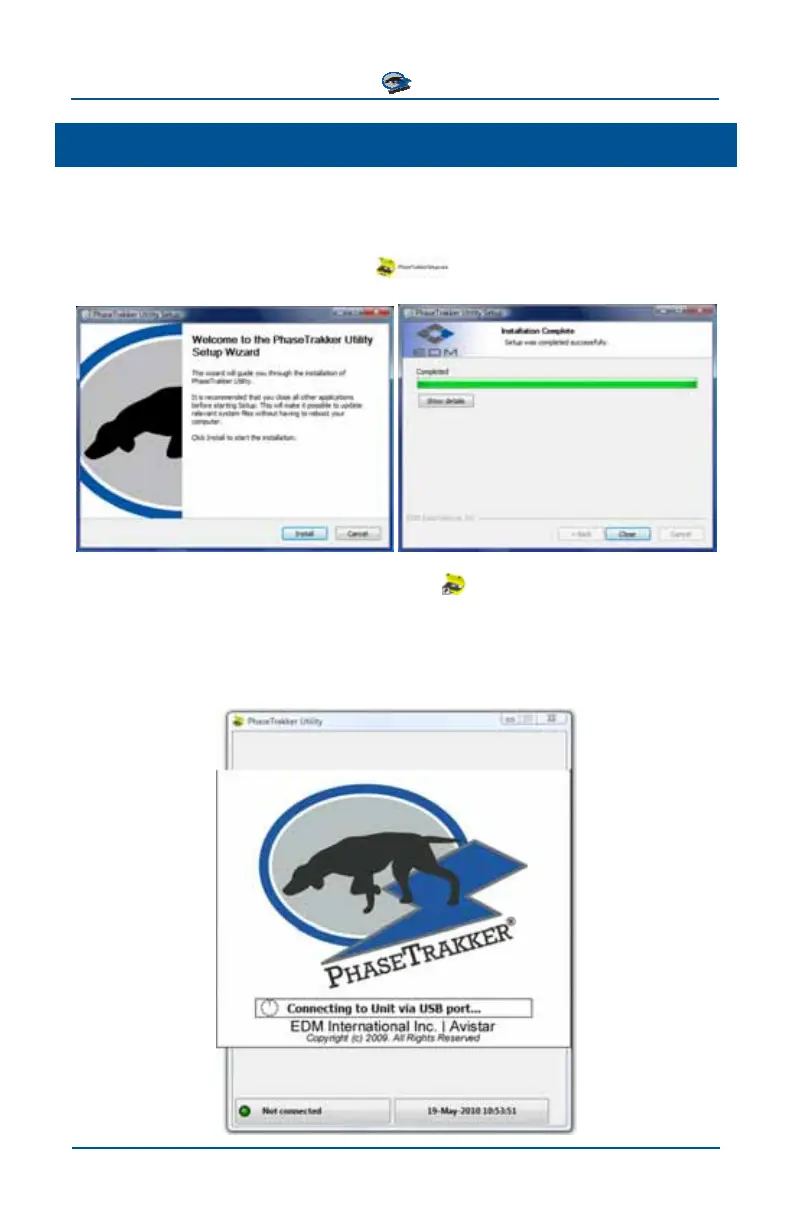
The PhaseTrakker Utility is installed from the CD included with the AP30 System.
Installation should start automatically when the disc is inserted. If it does not start
automatically, run PhaseTrakkerSetup
from the disc.
The installation will place a PhaseTrakker icon
on the Desktop. You must be
connected to a PhaseTrakker Field Unit or Reference Unit to run the PhaseTrakker
Utility. Connect a Field Unit or Reference Unit to your PC and power on the Unit.
Wait for Windows to automatically detect and configure the new USB device,
then click on the PhaseTrakker icon to start the Utility.



 To Next Page