Troubleshooting
PhaseTrakker AP30
46
Troubleshooting
Reference Unit
• The Reference Unit GPS LED does not light.
Make sure the antenna has a clear view of the sky.
• The Reference Unit Network LED does not light or is flashing.
The Reference Unit Network LED is off when no network signal is received.
The Network LED flashes if the network signal strength is less than 20%. A
Reference Unit location allowing a strong network signal is recommended.
Field Unit
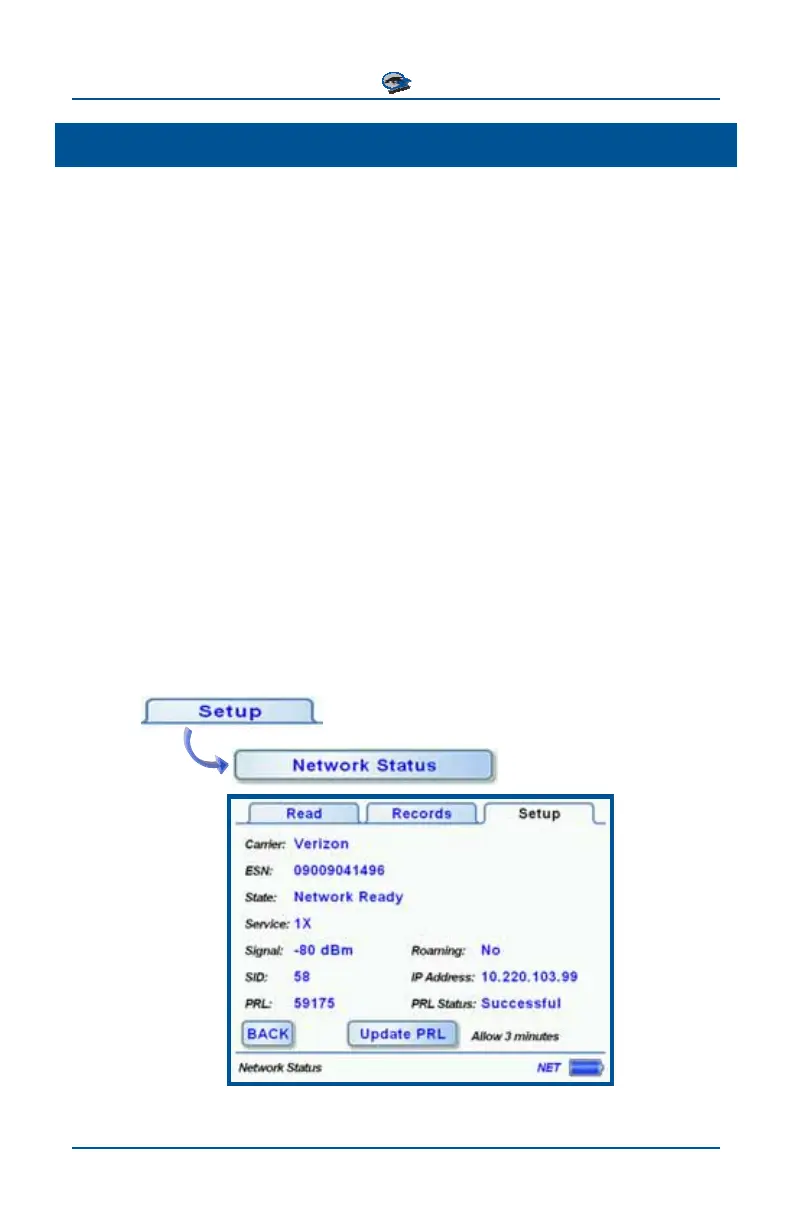
• The Field Unit is not acquiring the network consistently.
The field unit uses a wireless network device provisioned for data service.
The received signal strength may not correspond to personal cell phones
configured to optimize voice reception. The Network Status screen dis-
plays details on the network reception which can be useful for trouble-
shooting. For Field Units equipped with a Verizon wireless network device,
the Preferred Roaming List (PRL) can be updated to ensure optimal per-
formance. Refer to the section Setting Up the Field Unit for details on up-
dating the PRL.



 To Next Page