PhaseTrakker AP30 Installing the Reference Unit
5
Installing the Reference Unit
Installing the Reference Unit is easy:
Choose a suitable location and optionally
configure it with a custom name.
Placing the Reference Unit
There are some important considerations in placing the AP30 Reference Unit.
• 120 V AC single-phase power source
o Direct power - must be powered from the grid with no UPS or
battery backup
o Permanent power - if the reference phase is changed, all field
units must be recalibrated
o Clean power – excessive harmonics on the reference voltage
inhibit phasing operations
• Roof mount for GPS/cellular antenna - access to run cables and mount-
ing place for antenna with clear view of sky
• Cellular Service - good network signal is required for reliable Refer-
ence Unit operation (the Network LED will blink if the signal is weak)
Some examples of suitable locations to place the Reference Unit are:
• Substation
• Work Center or Communications Center
• Office
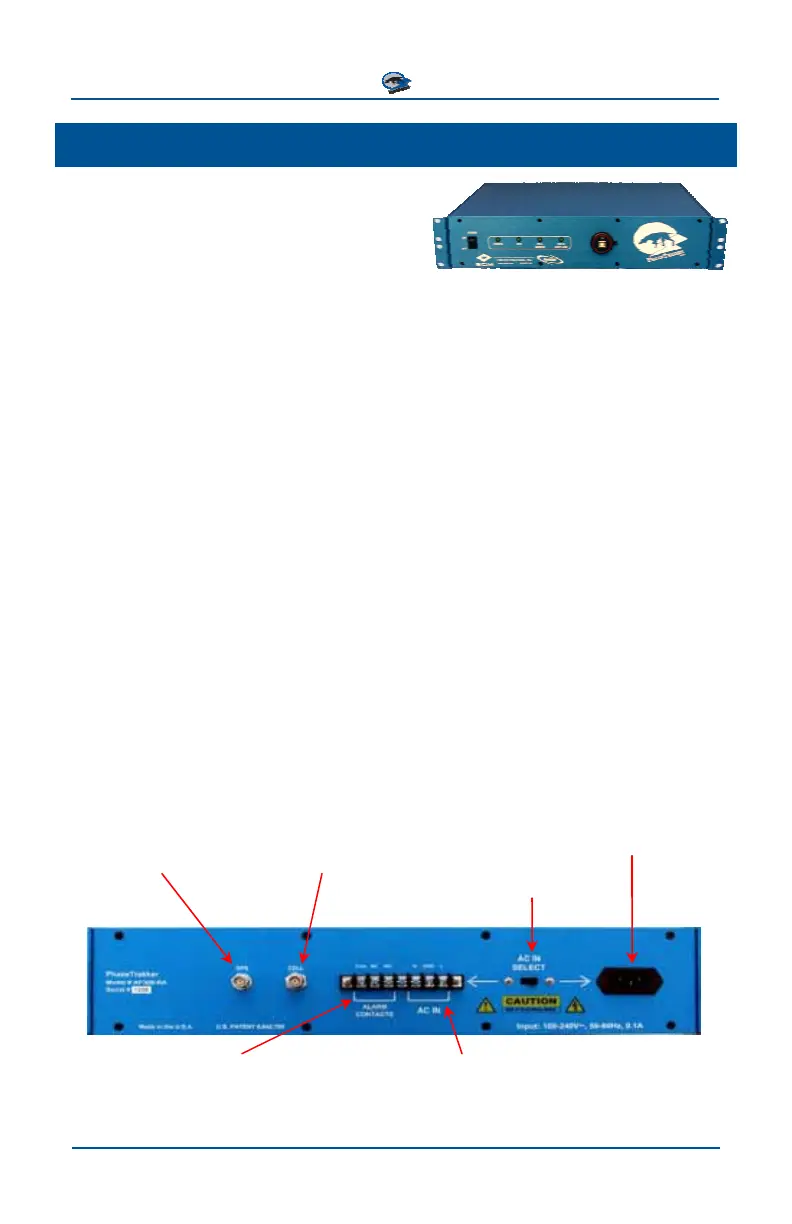
AC power can be supplied to the rack mount Reference Unit either by using the
supplied power cord or by wiring directly to terminals on the back panel (shown
below), and setting the AC IN SELECT switch accordingly. The Alarm switch is
triggered if the unit loses either GPS or Network signals.
AC Power Cord
Connection
Network Antenna
GPS Antenna
(Threaded Connector)
(Bayonet Connector)
AC Power Input
Alarm (switch)
Selector Switch
Alternate AC Power Connection
N – Neutral
GND – Ground
L - Line
COM - Common
NC - Normally Closed
NO - Normally Open



 To Next Page