PhaseTrakker Utility
PhaseTrakker AP30
38
Retrieving Records from the Field Unit
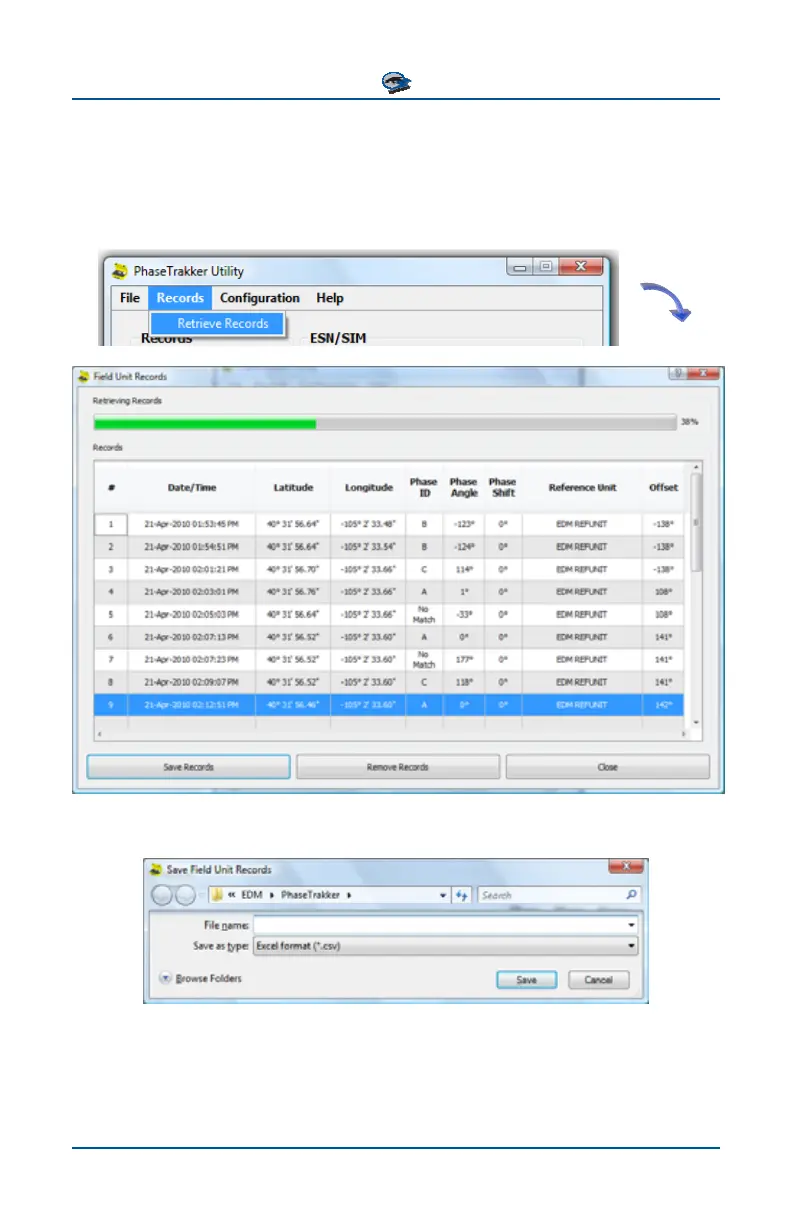
The AP30 Field Unit records can be saved to a PC. In the PhaseTrakker Utility
main window, select “Records” and then “Retrieve Records.” A new window
opens and the records are read by the Utility.
Select “Save Records” to save the Records as a file in Excel format (.csv file).



 To Next Page