Quick Start
PhaseTrakker AP30
4
Quick Start
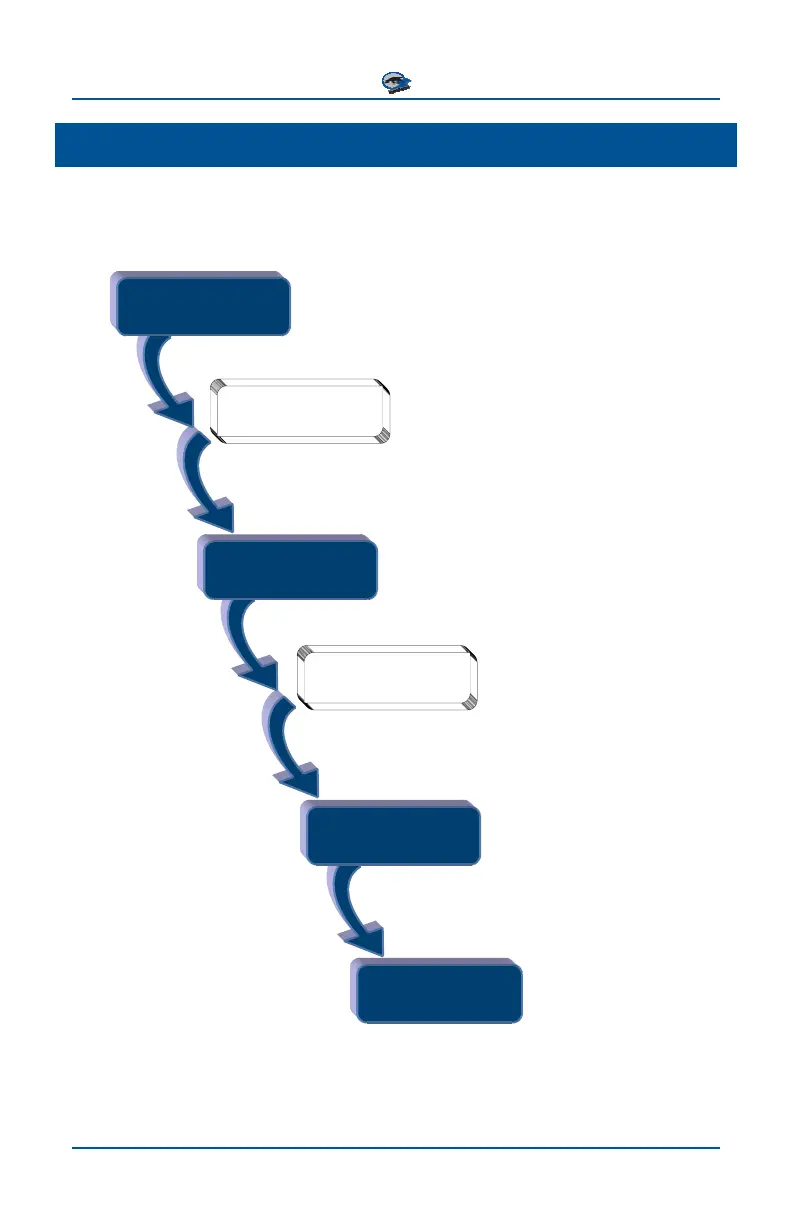
When you receive your AP30 system, the wireless network devices are already
provisioned and ready to use.
Install
Reference Unit
Place in suitable location with 120V AC,
and mount antenna (Page 5)
Optional:
Customize Name
Connect USB cable to a PC running
the PhaseTrakker Utility (Page 6)
Set Up
Field Unit
Enter Network address of Reference Unit and
Time Zone using on-screen menus (Page 7)
Optional:
Set Preferences
Set phase preferences using
on-screen menus (Page 10)
Use on-screen menus and place
Hotstick Unit on known Phase 0°
(Page 17)
Calibrate
Field Unit
Be
in Phasin
!
(Page 20)



 To Next Page